
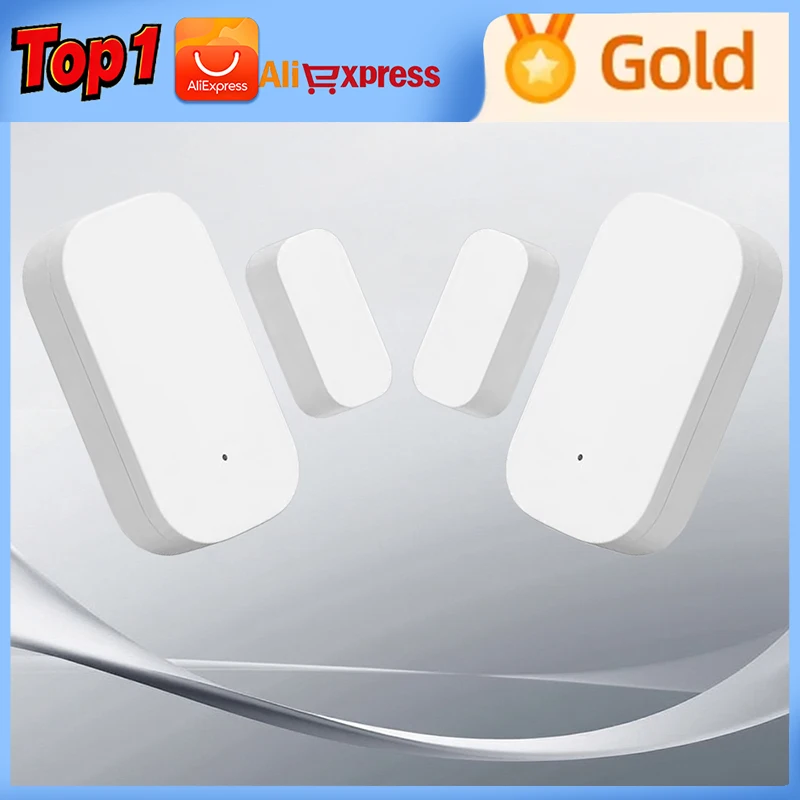
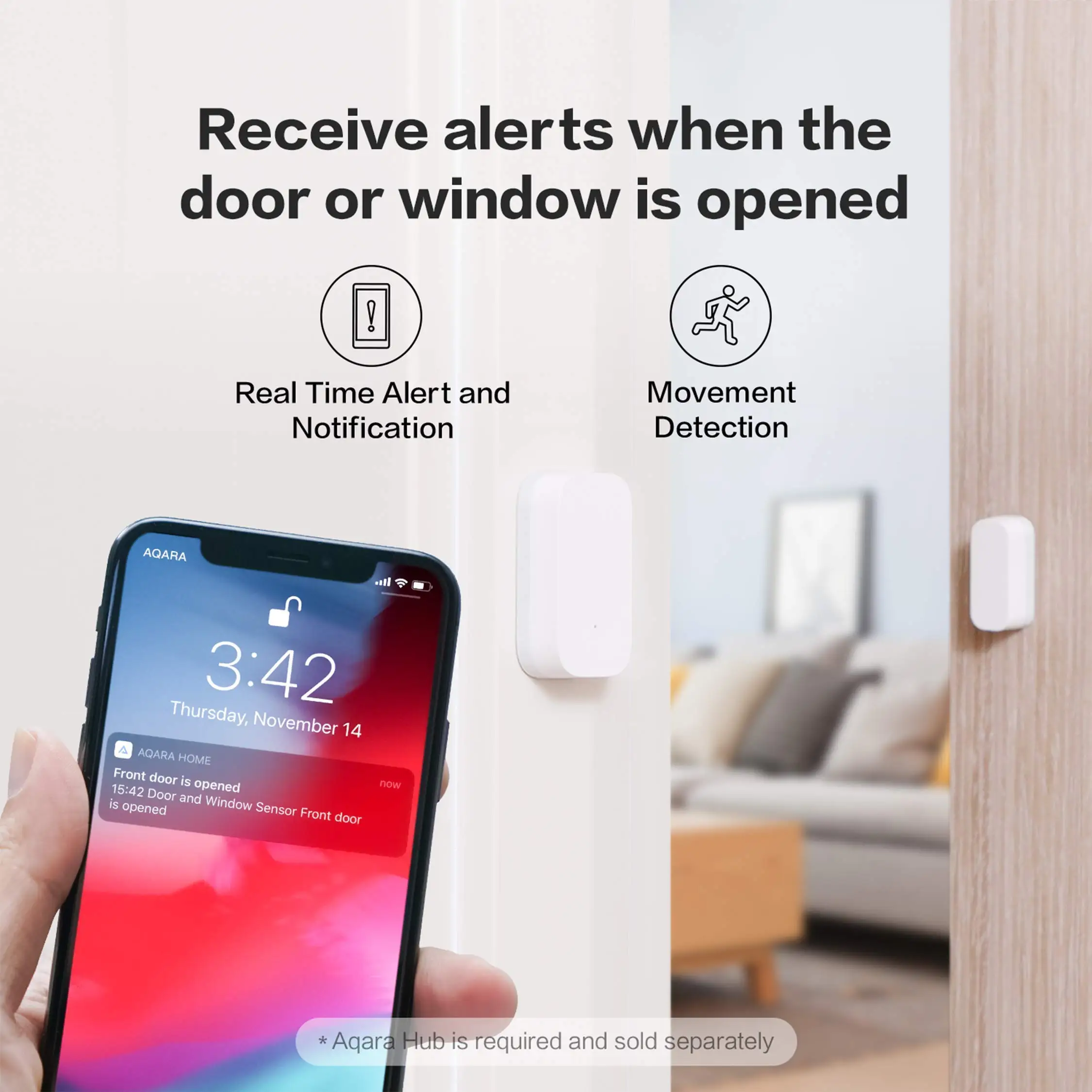
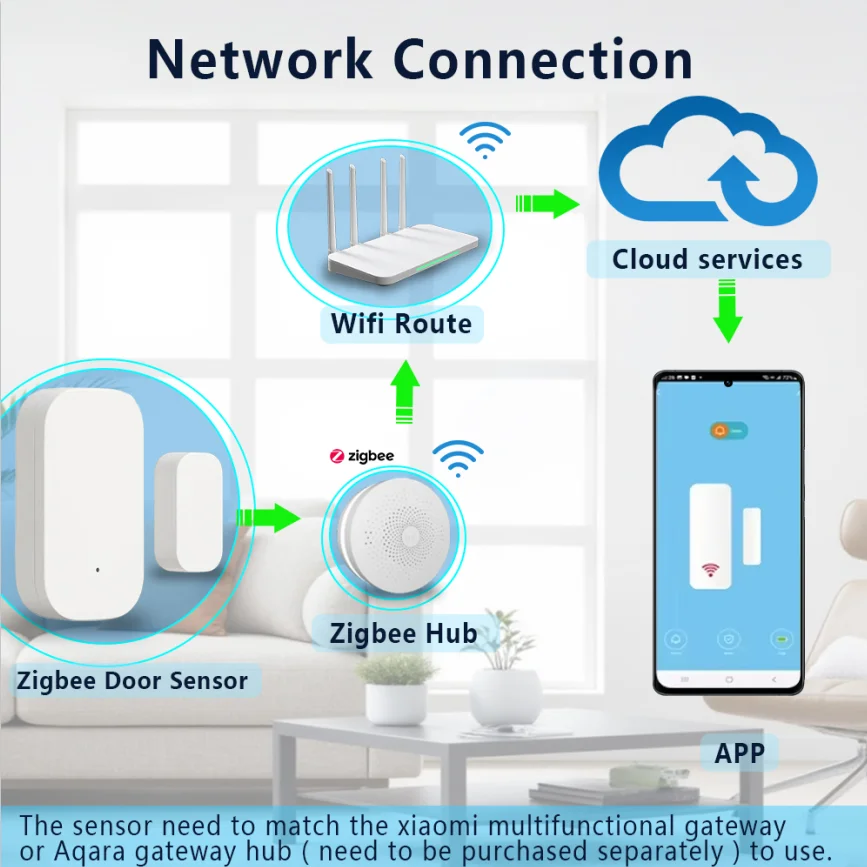

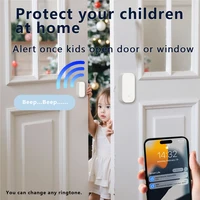
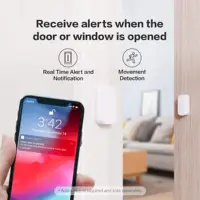
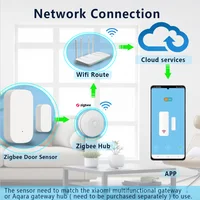
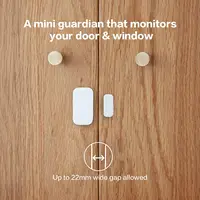

With the ability of matching with other for smart devices such as gateway remote control, smart bulb, air cleaner, etc. this sensor is able to help you create a smart home. The windows door sensor consists of a sensor subject and a magnet. It detect the opening and closing of door and windows by sensing the near and separation of the sensor subject and magnet. |
|
|
Main Features: |
|
|
• Original for Xiaomi Aqara smart door and windows sensor for daily security |
|
|
• ZigBee wireless connection |
|
|
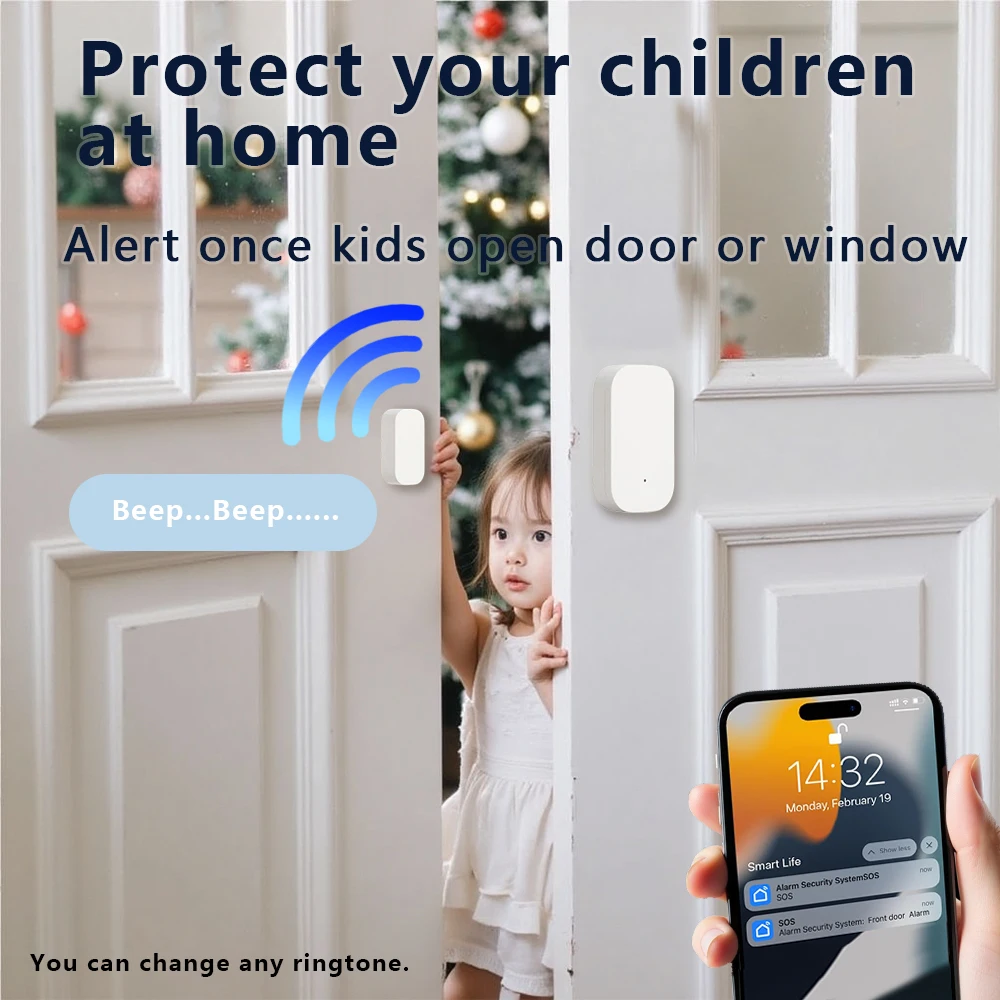
• Trigger and alarm: it will light and ring when someone open the door, the light will automatically turn on when someone push the door |
|
|
• Away from home mode: If someone broke into, the bell will ring and the IP camera ( not included ) will take video |
|
|
• Intelligent sensors: open the window let fresh air into room |
|
|
• Small size, easy to install |
|
|
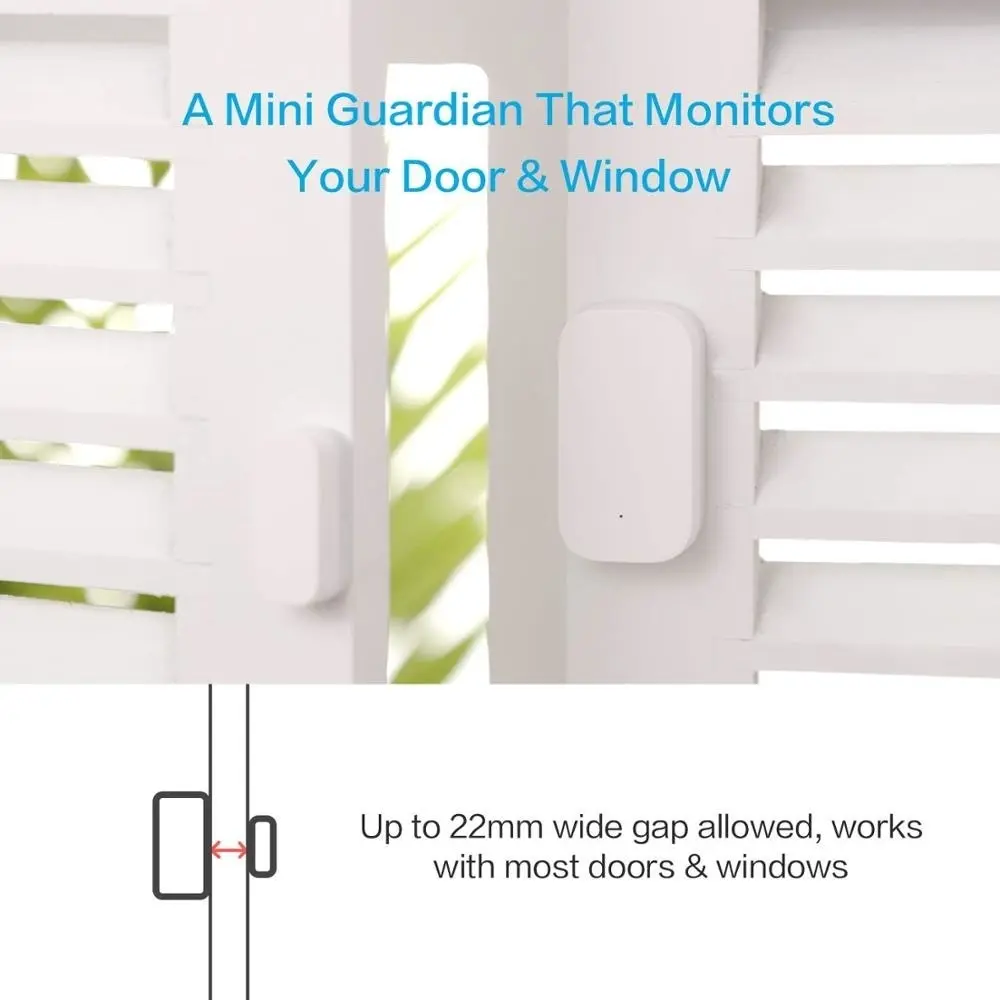
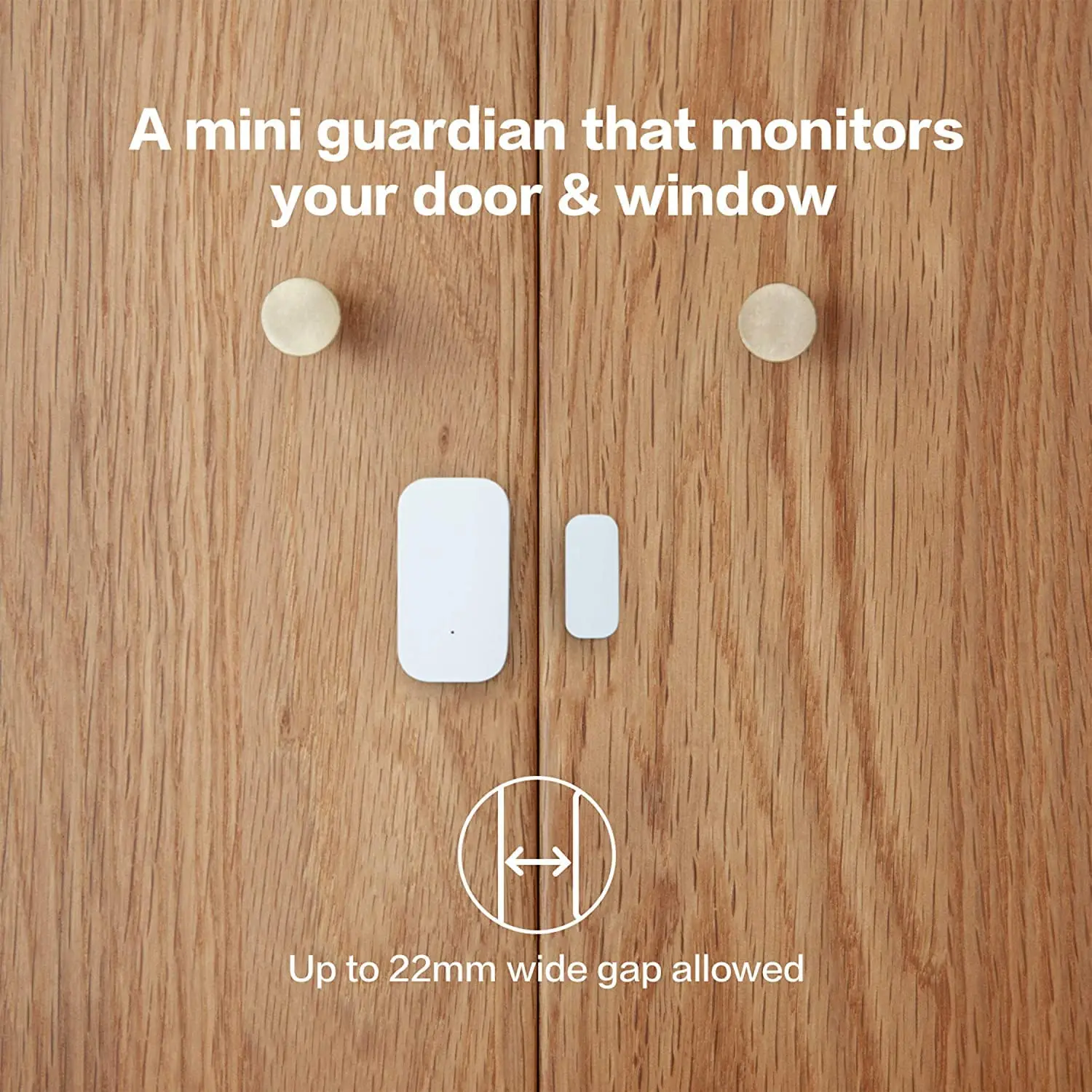
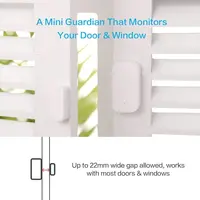
• Max. sensing distance: 22mm |
|
|
• Working temperature: -10 – 50 Deg.C |
|
|
• Working humidity: 0 – 95pct RH |
|
|
• Built-in 1pc CR1632 cell battery |
|
|
• Please download APP “Mi Home” from Apple Store or Google Play |
|
aqara Door and Window sensor
Intelligent sensing each door and window real-time sensing window open/closed status
* This product should be used with a device with gateway function (the first generation of MI multifunctional gateway is not supported).
Intellisense every door and window
The Aqaral window sensor is affixed to the [and quotient in the home, which can sense the switch of the and quotient in real time
Can’t remember if the doors and Windows are closed? Take out your phone and you’ll see.
Intruder, call the police immediately and videotape
When alert mode is enabled, Aqara door and window sensors detect doors and Windows when someone breaks into the house
Is opened, the gateway immediately alarm, and linkage Aqara intelligent camera shooting small sight frequently sent to you
The mobile phone.
aqara Air conditioning companion +aqara Door and Window Sensor +aqara Smart camera
Open the door and the light turns on automatically
When coming home from work in the evening, open the door, Aqaral window sensor linkage Aqara wall switch
Automatically turn on the light, no matter how late, there is always a lamp waiting for you.
aqara Air conditioner companion +aqara Door and Window Sensor +aqara Wall switch
The air conditioner shuts off automatically when the window is opened for air
aqara Air conditioner companion +aqara Door and window sensor +Xiaomi air purifier
Low power technology high quality process
Aqara door and window sensors are powered by button batteries that last up to two years.
aqara door and window sensor is judged by the proximity and separation of the sensor body and the magnet
Doors and Windows open and close, quick response, no delay felt in use. Shell resistant
UV material, ensure that the appearance of the sensor long-term colorless: moisture-proof process, even in
It works well in the wet south.
★ The battery life is the typical value calculated under the standard measurement method in the environment of Green Mi Laboratory. The actual battery life may vary with the change of the environment or test method.
The connection is easy and only takes two steps
Add aqara Door and Window sensors in the Mijia /aqara/homekit app and long press the side reset button according to the voice and graphic prompts
Tool free installation and ready-to-use
Aqara window sensor tool free installation, directly pasted in doors, Windows, drawers, cabinets and other places, immediately paste.
During installation, ensure that the spacing between the labels is smaller than 22 mm
It has a very sensitive sensor and offers excellent value for money. It can be linked to smart bulbs to turn on the lights when the door is opened and turn off the lights when the door is closed
Can the main body and magnet part of the door and window sensor E1 be interchanged?
It can be adjusted left or right, but it is necessary to ensure that the installation marks of the main body and the magnet are aligned.
How to install if the door and door frame are not on the same plane?
Turn the magnet direction by 90 degrees. It is best to install the sensor body on a non-moving door frame and the magnet on the door, which can better protect the sensor. The distance between the sensor body and the magnet should be less than 22mm, but at the same time, they cannot be installed too close to avoid contact, collision, falling, and damage.
How far away from the gateway does the door and window sensor E1 need to be to communicate normally? The working distance between the sub-device and the gateway varies in different indoor environments. When used in a daily household environment, it is recommended that the distance between the sub-device and the gateway not exceed 10 meters, and there should be no more than two concrete walls in between.
How to determine whether the door and window sensor E1 is working properly?
1. Click the reset button on the main body of the door and window sensor. If the gateway emits a prompt tone “Connection normal”, it indicates that the sensor is communicating normally with the gateway. If there is no prompt, please move the sensor closer to the gateway and try again. If there is still no prompt tone, the sensor may have been deleted or the battery may be exhausted. Please refer to the sub-device addition method or battery replacement method to add the sub-device again or replace the battery with a new one;
2. Move the sensor body close to and away from the magnet 2-3 times, then enter the main page of the door and window sensor E1 in the app. If there is a status change, it indicates that the device is working properly.
What are the functions of the door and window sensor E1?
1. The door and window sensor E1 can be installed on a door or window to sense the opening and closing status of the door or window in real time;
2. When used in conjunction with other smart devices, it can activate the switch or other actions of the control device when it senses the opening or closing of doors and windows.







Reviews
Clear filtersThere are no reviews yet.