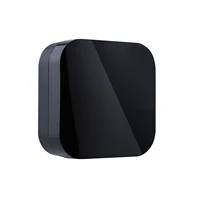
ZigBee Smart IR Remote Control Works with Alexa Google Home Universal Infrared Remote Controller Powered by Tuya for Smart Home
Feature:
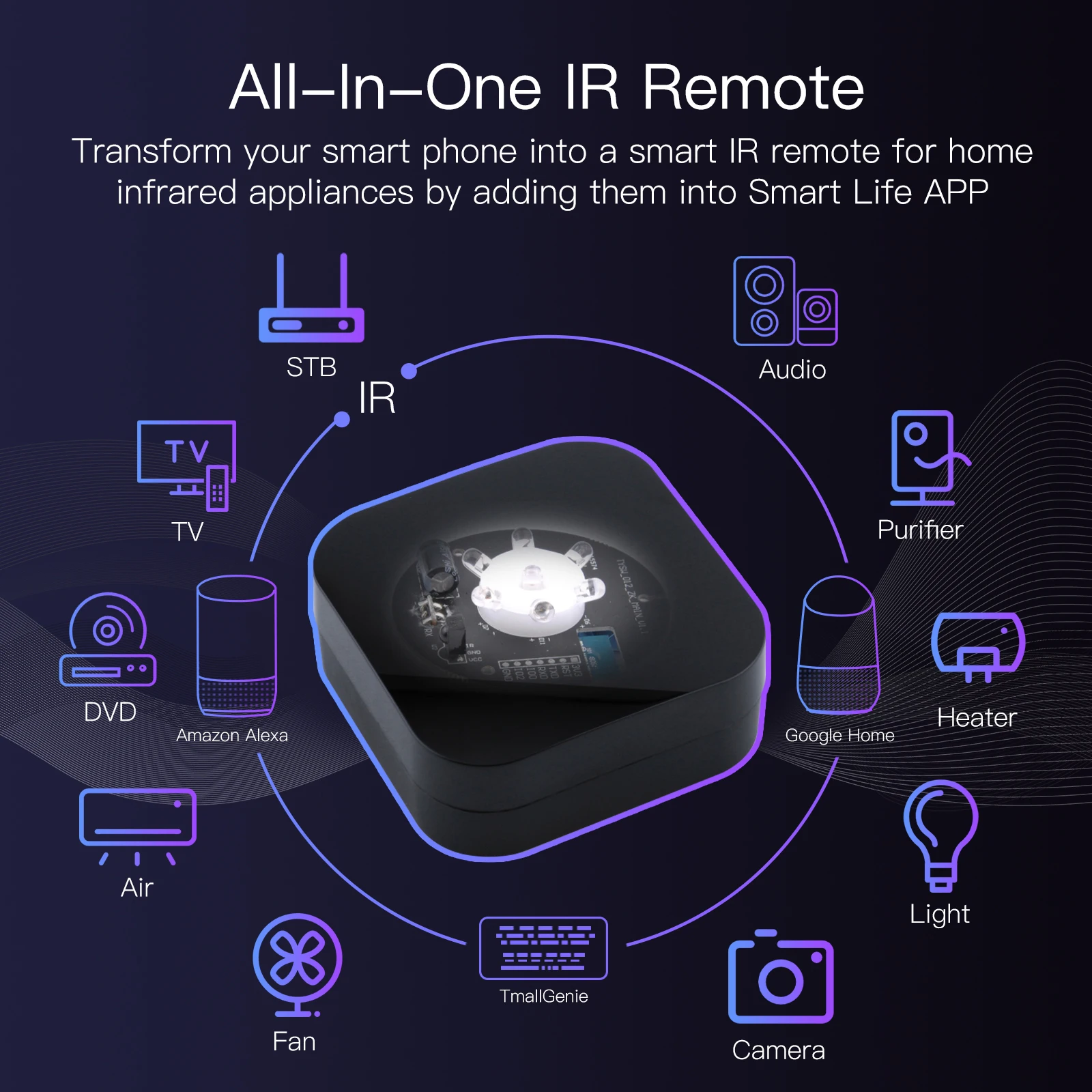
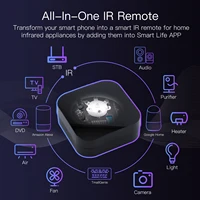
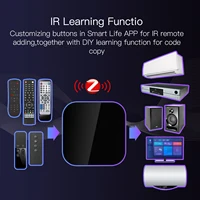
1. Universal Control Mastery: No more juggling different remotes-our smart IR remote control simplifies your home by commanding all appliances, even those without preset codes. Unify your device management and savor the ease of universal control.
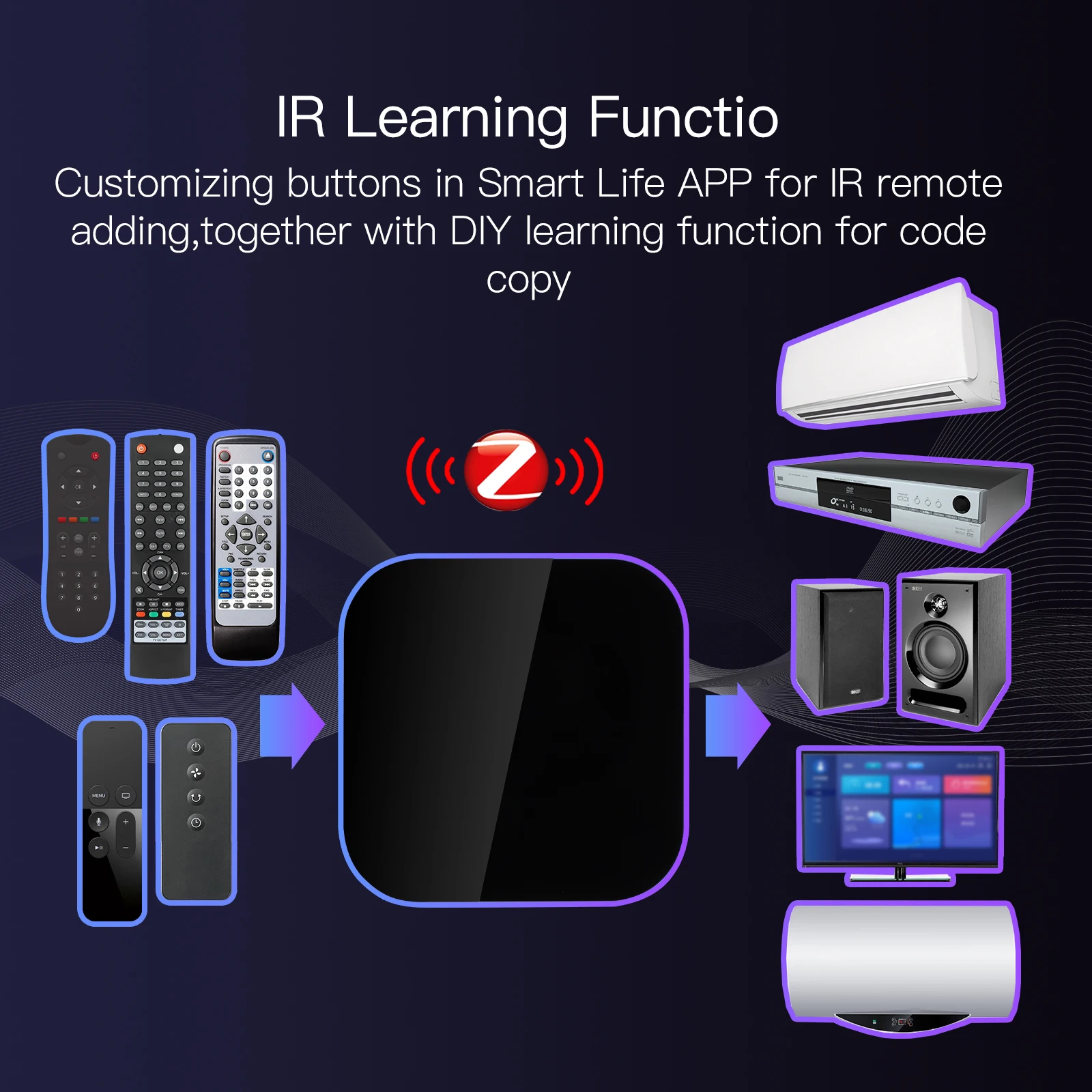
2. Code-Learning Connectivity: Our wireless remote controller transcends brand boundaries-there’s no need to fuss over brand-specific codes. It learns directly from your appliance remotes and syncs effortlessly with our extensive cloud-based code library.
3. Voice-Powered Convenience: Our air conditioner TV IR remote is the key to a smarter, voice-controlled environment, compatible with for Tmall Genie, for XiaoDu, for Alexa, and for Google. Command your devices with mere voice prompts, enhancing your smart home synergy.
4. Customizable Smart Scenes: Craft your home’s intelligence with our advanced automation and scene settings. Our product can both initiate and synchronize with other smart devices, creating a responsive environment tailored to your preferences.
5. Comprehensive Smart Control: Embrace the versatility of our product, compatible with a vast array of devices, from outlets to appliances. With support for numerous MCUs and ready-to-integrate SDKs, it’s the universal key to your home’s remote control needs.
Specification:
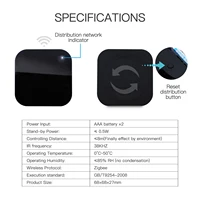
Item model number: UFO-R11
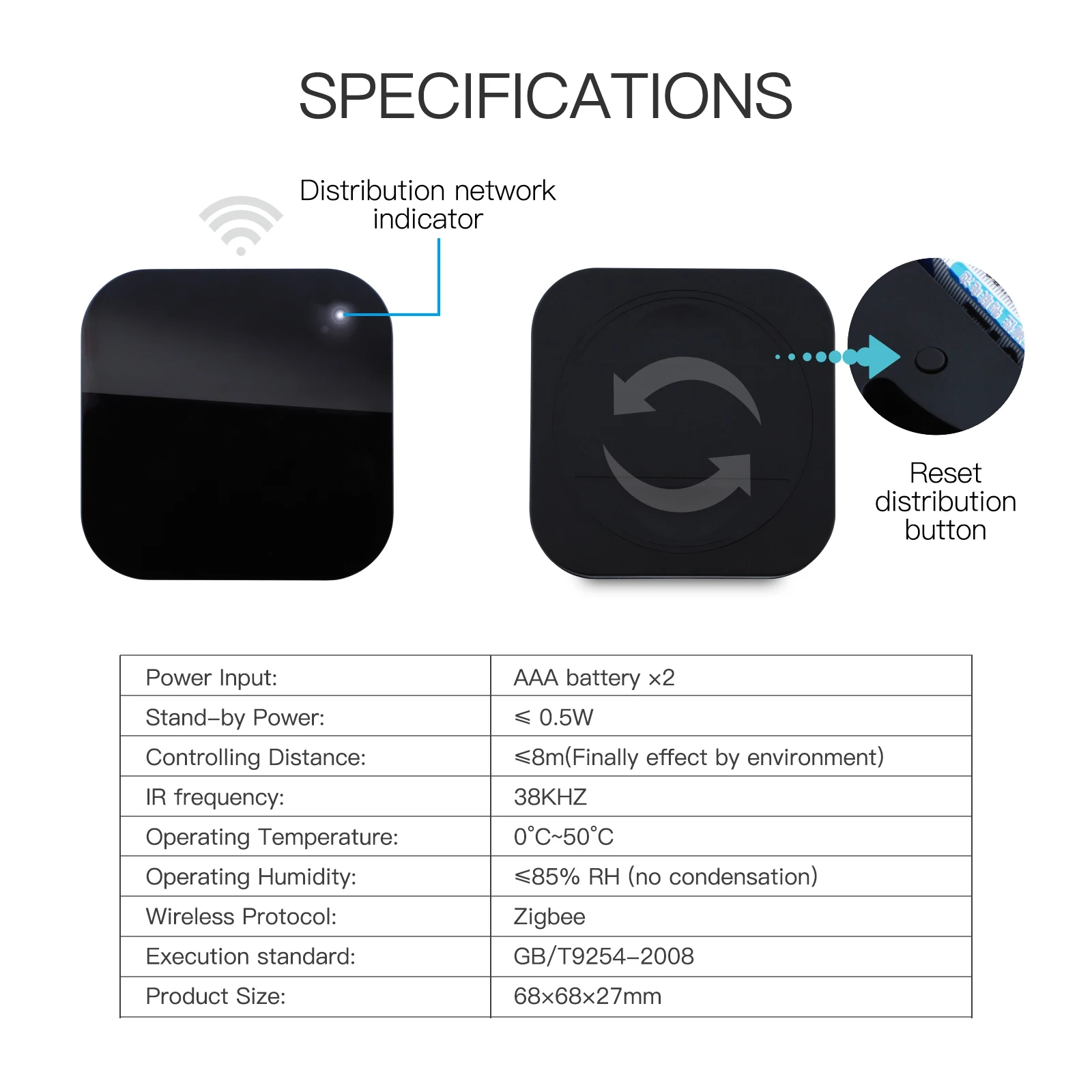
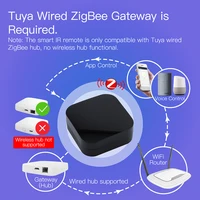
Communication method: ZigBee
Communication Protocol: Zigbee 802.15.4
Working channel: 11-26@2.4002.483GHz
Supported devices: for Android 4.0/for ios 8.0 and above
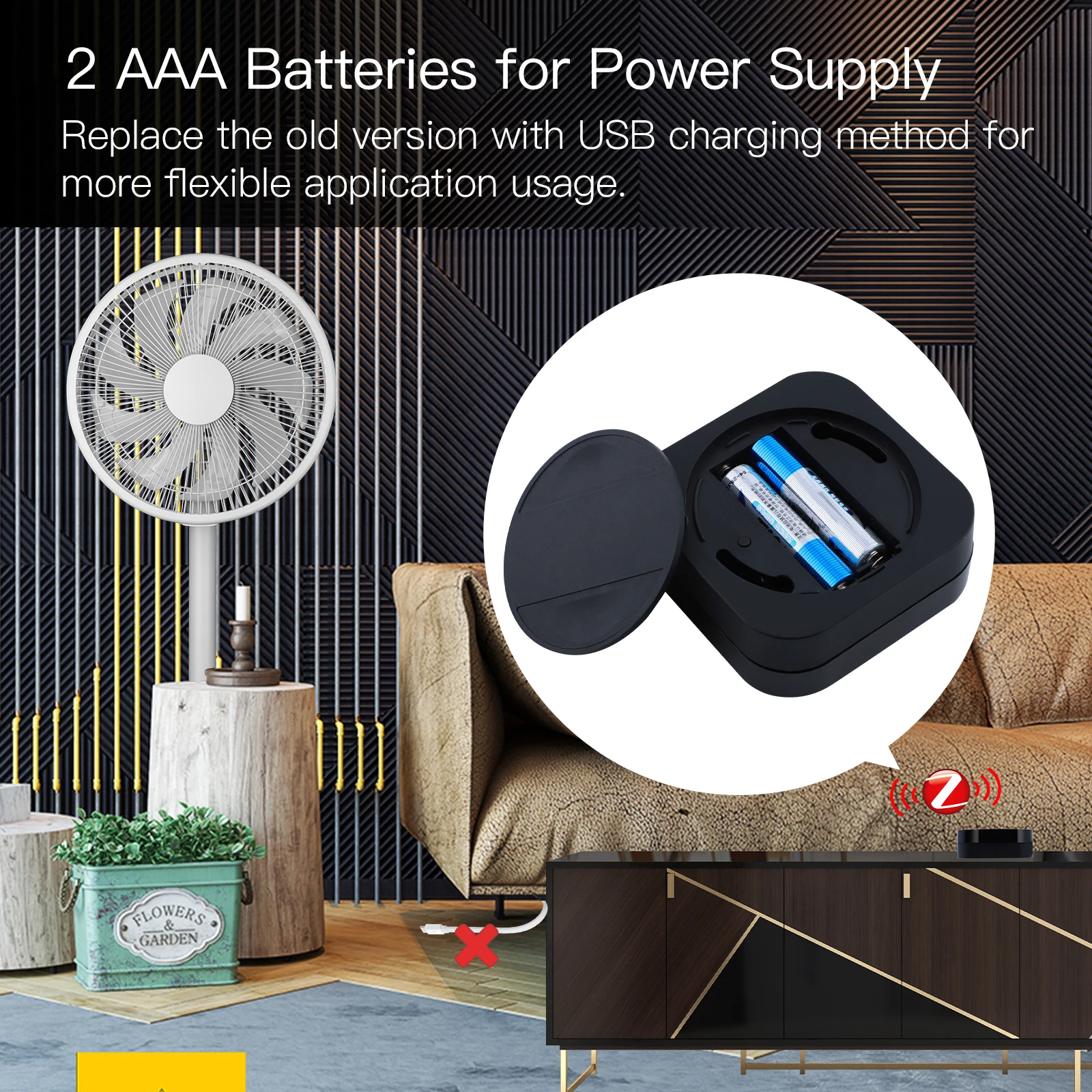
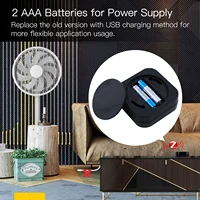
Power supply method: AA alkaline batteries * 2 (not included)
Working current: <1A
Infrared emission angle: 360°
Infrared learning frequency: 38 kHz
Working temperature: -10℃~50℃
Working humidity: 10%~90%RH (non-condensing)
Infrared control distance: horizontal direction ≤ 8m, facing direction ≤ 15m (affected by the environment, the data comes from the laboratory)
Infrared learning distance: facing direction ≤ 3m, angle ± 45° (affected by the environment, the data comes from the laboratory)
Product APP: Support for Hongshi Smart, for SmartLife
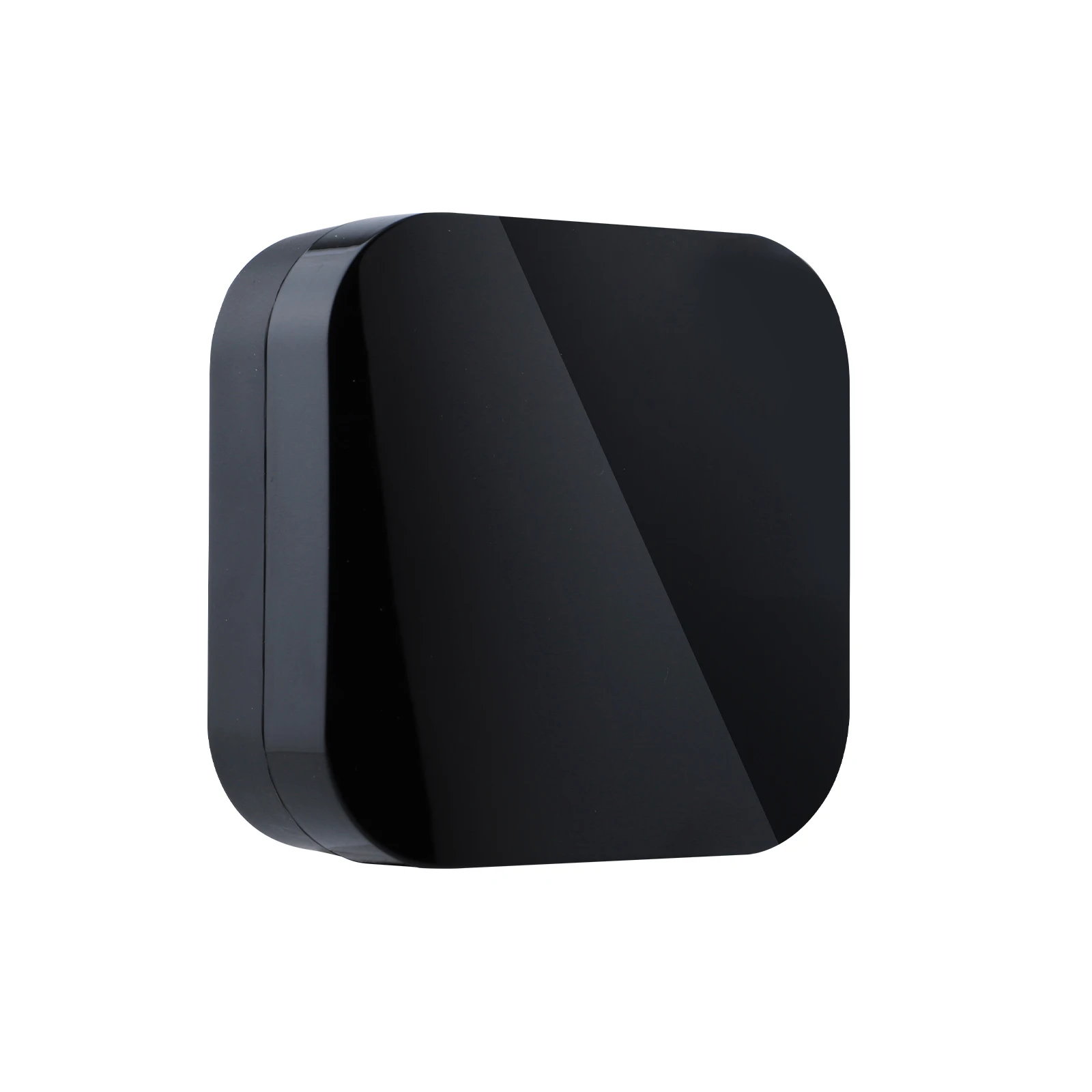
Product size: about 68x68x27mm/2.68×2.68×1.06 inch
Packing weight: about 106g
Steps for usage:
Distribution network:
1. The product is shipped from the factory, with the default network configuration;
2. After the product is installed, the battery is powered on, the network distribution indicator flashes quickly, and the product enters the state of waiting for network distribution.
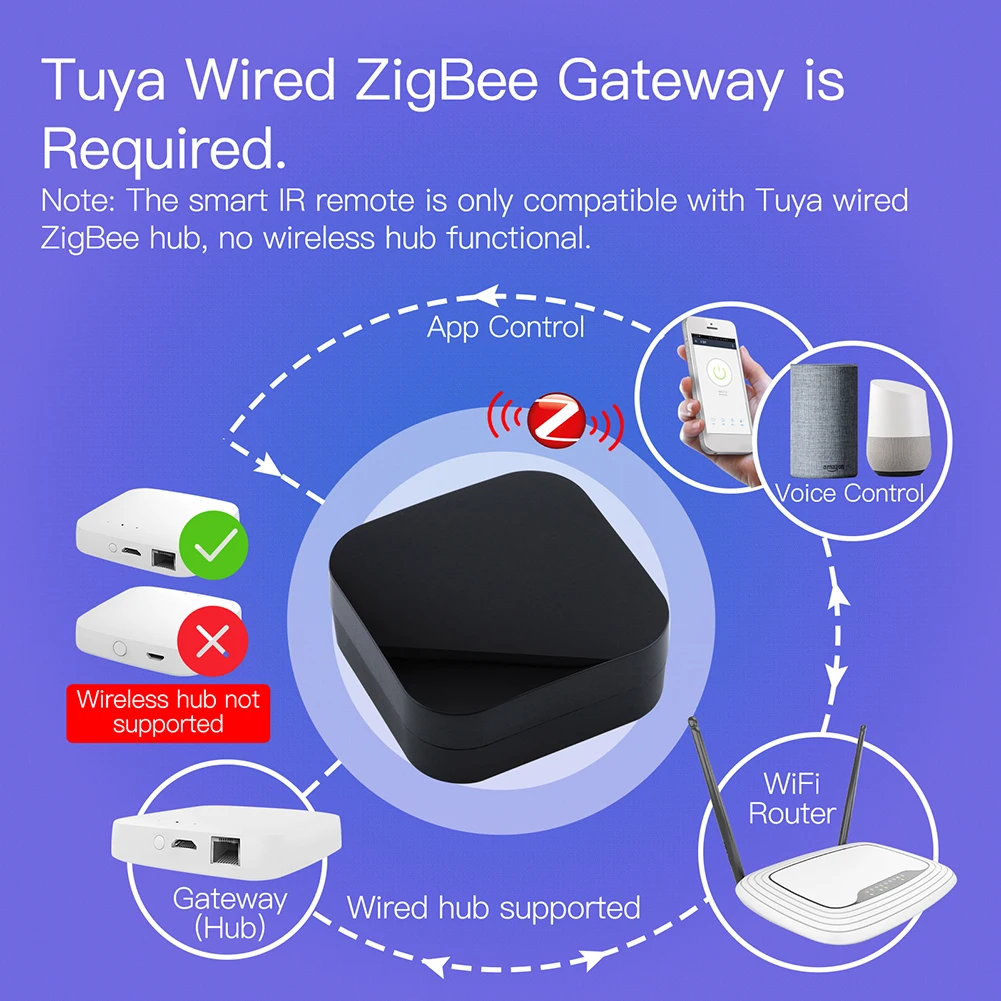
3. Connect the mobile phone to the ZigBee gateway, and add a search device to the gateway APP interface.
4. Press the Add button of the device, jump to the Add Remote Controller interface, and add it according to the device category and brand.
5. Successfully added device.
Reset:
1. There is a reset button in the battery compartment, press and hold for 3 seconds, the product enters the state of waiting for network distribution, and the LED indicator starts to flash quickly.
LED connection status:
1. Blinking means to be connected.
2. Always off means connected.
3. Steady on means the Wi-Fi information has been configured, but can not be connected.
4. Press and hold the button for 5 seconds and see the red indicator flashes several times, which means the reset is successful.
Note:
Due to the different monitor and light effect, the actual color of the item might be slightly different from the color showed on the pictures. Thank you!
Please allow 1-2cm measuring deviation due to manual measurement.









Reviews
Clear filtersThere are no reviews yet.