
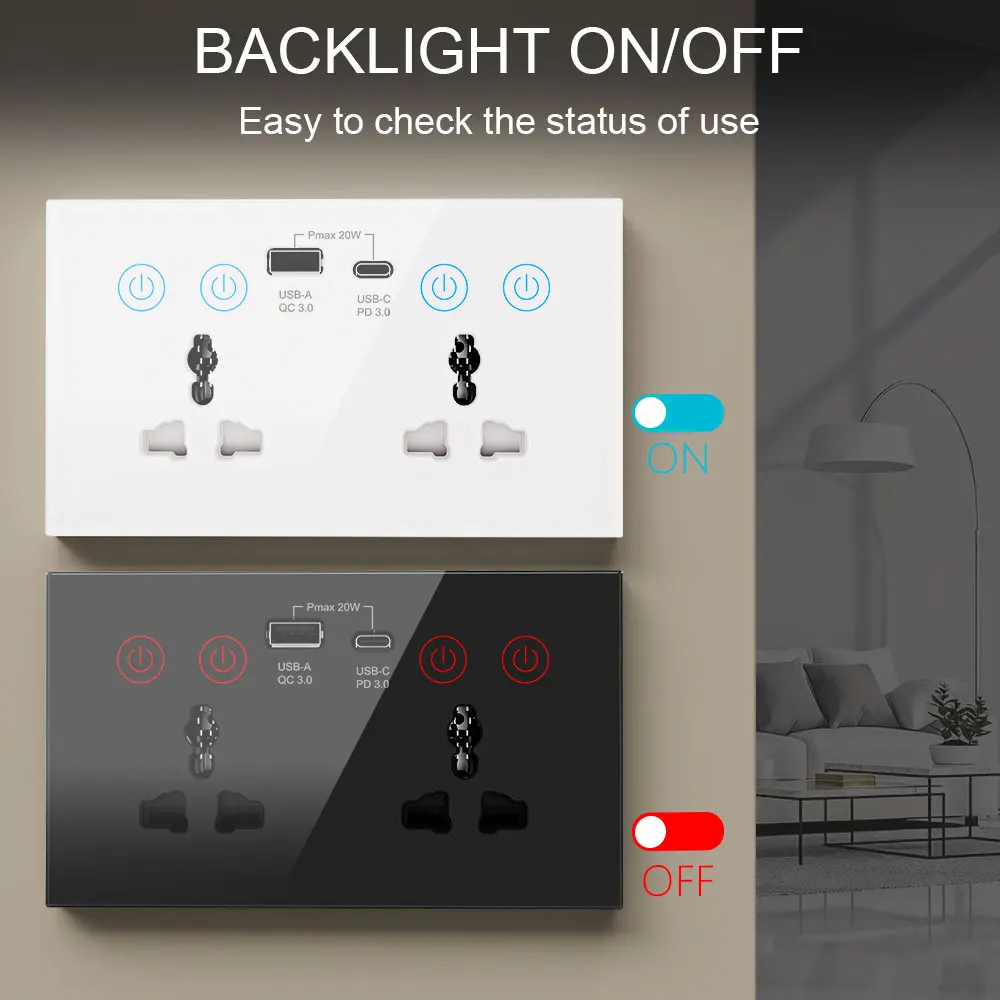
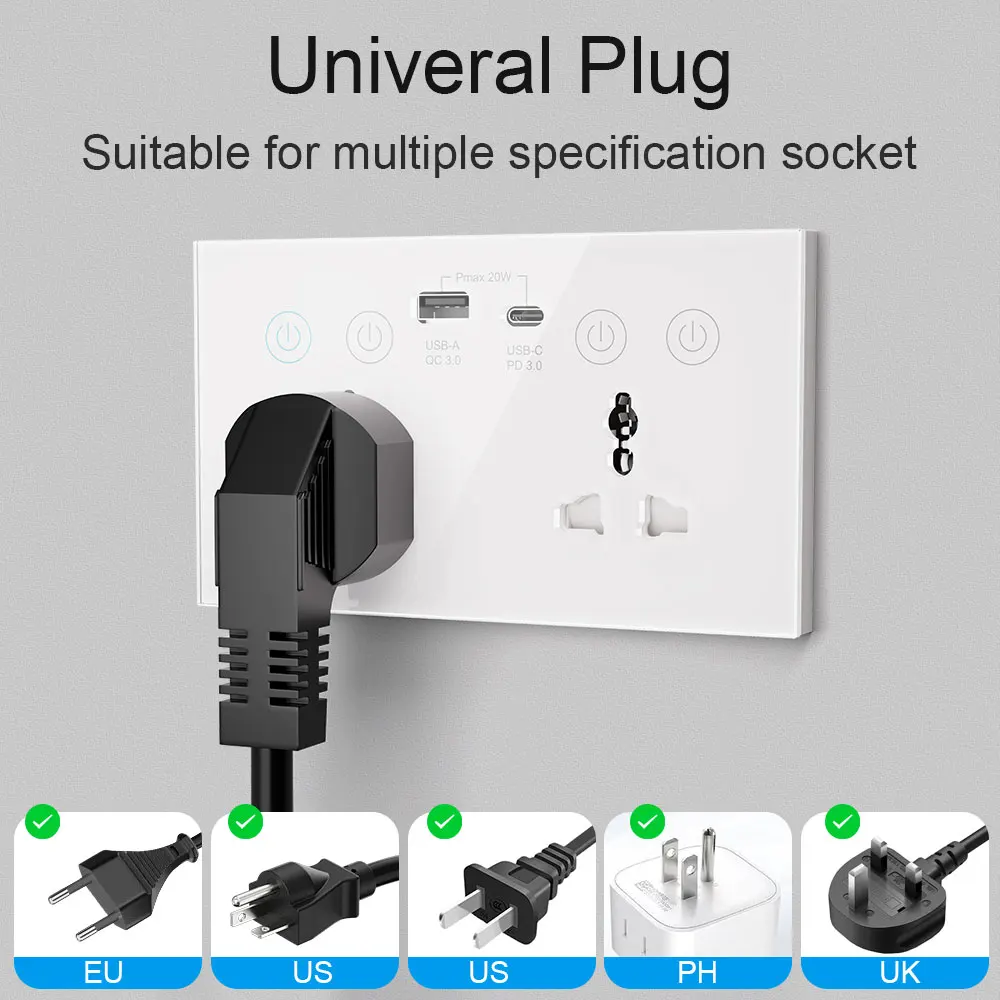
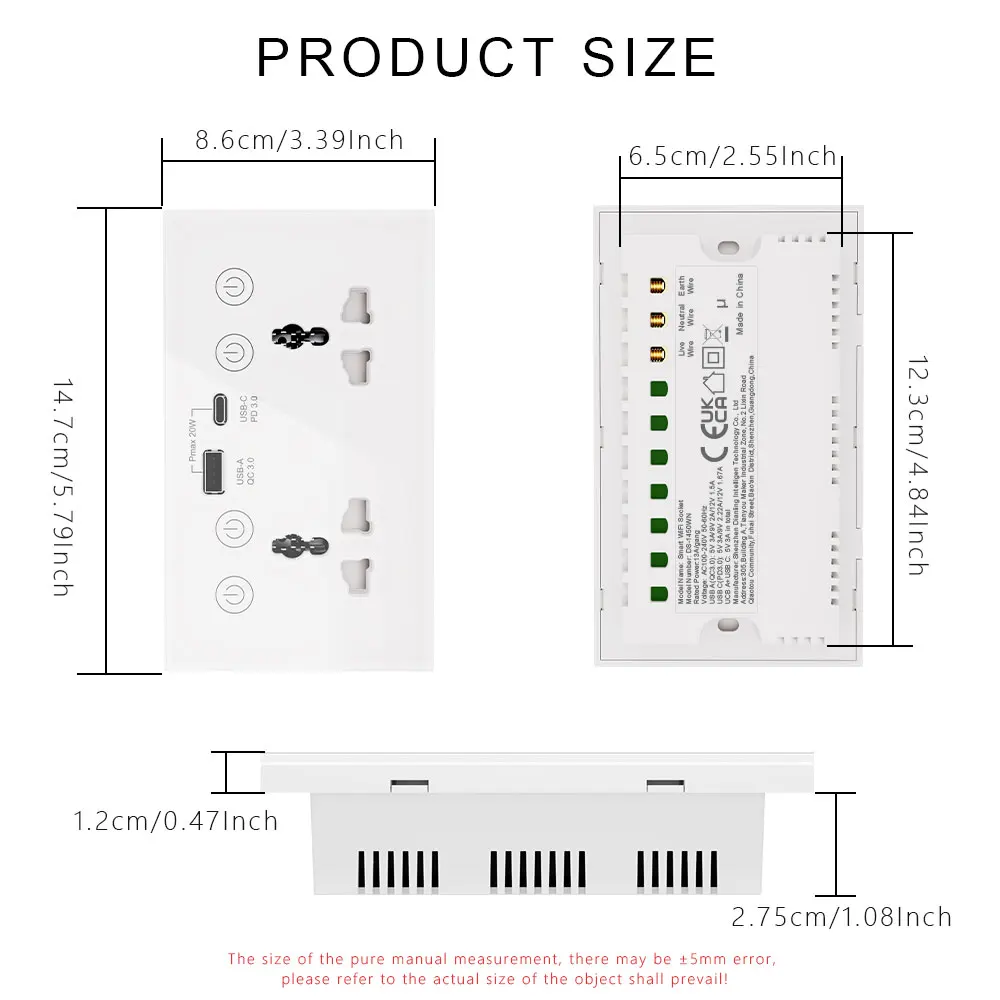
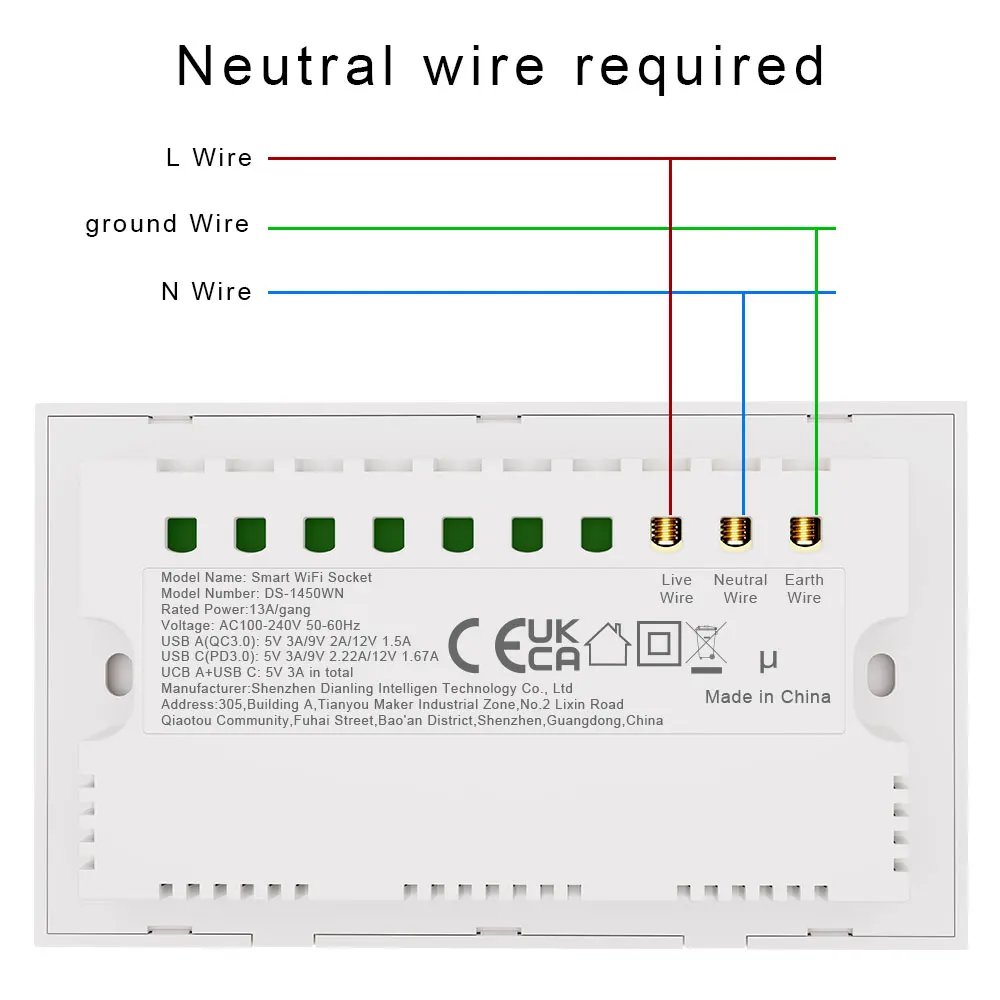
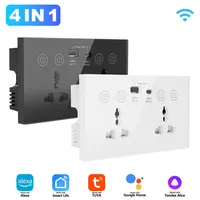
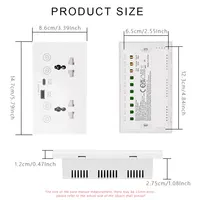
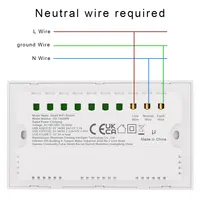

Features:
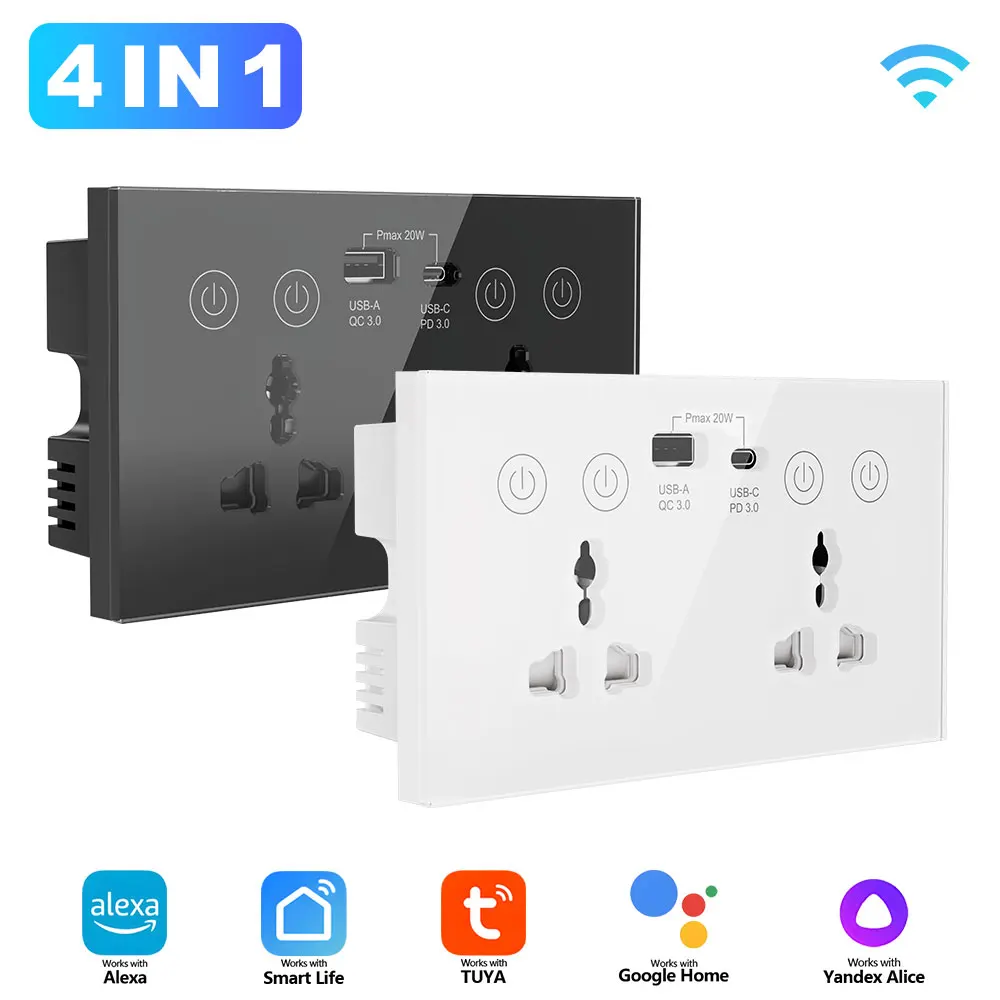
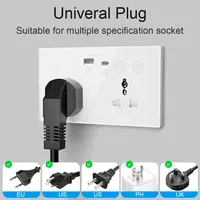
– Multi-port all-in-one adaptation, covering various power supply scenarios: 2 AC outlets, 1 Type-C port, and 1 USB port. You can simultaneously power a bedside lamp and phone (Type-C fast charging) in the bedroom, while an office desk can handle a computer, printer, and tablet at the same time, meeting the essential charging needs of multiple devices at home or in the office. The Type-C port is compatible with major fast-charging protocols for devices like Apple and Huawei, ensuring efficient and stable charging.
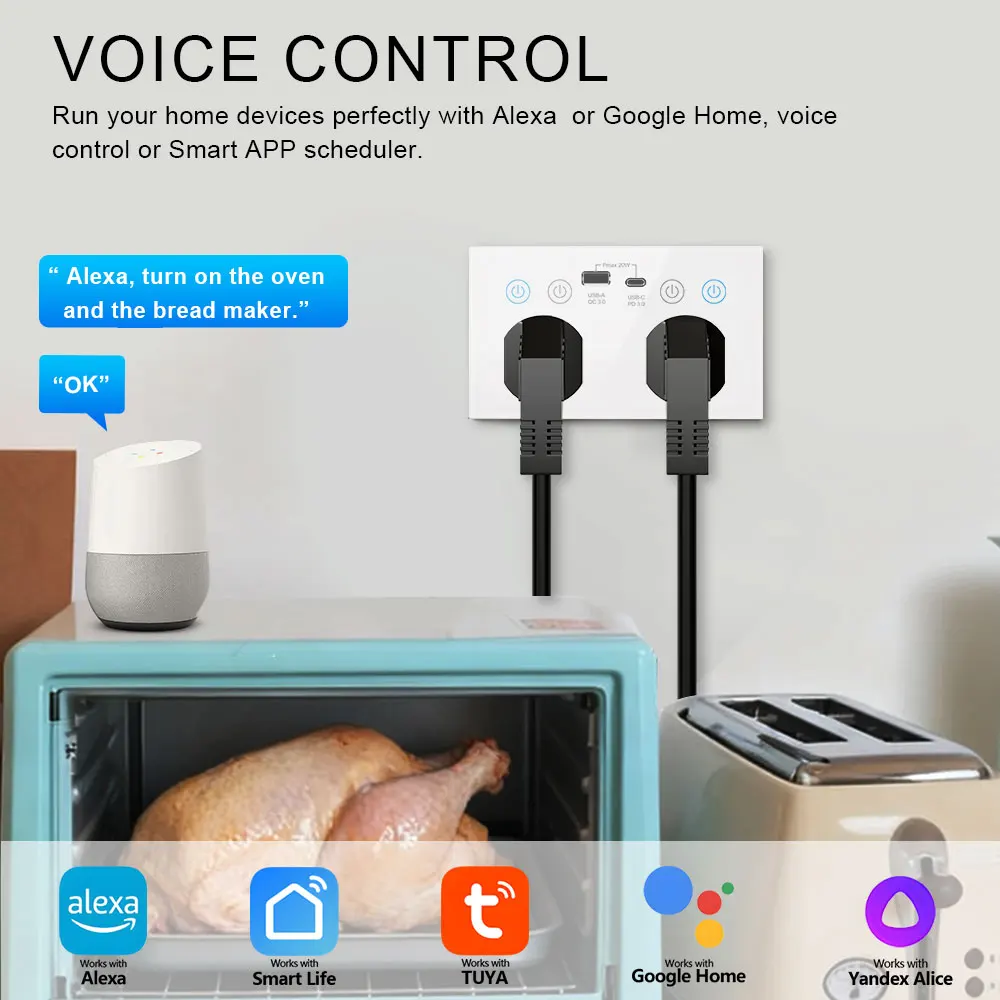
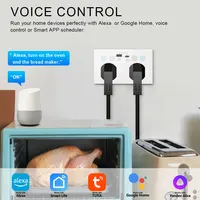
– Fully compatible with Tuya ecosystem, more convenient with voice and app control: Supports one-click connection with Tuya Smart/Smart Life App, compatible with major voice assistants such as Alexa and Google Home. When cooking in the kitchen, you can start devices with a voice command like ‘Alexa, turn on the coffee machine,’ or remotely turn off the living room projector via the app when you’re out, making it easy for elderly and children to operate. Suitable for use by all age groups in the family year-round.
Scenario-Based Description
1. Daily Home Scenes
Bedroom Bedside: Plug in a table lamp and phone charger (Type-C fast charging), set a countdown to turn off the lamp before sleep, and in the morning, use a voice command “Alexa, turn on the phone charger” to start charging without getting up; Next to the living room sofa: Connect to a projector and speakers, with a timer function to automatically cut power when a movie ends, saving energy and ensuring safety; Kitchen: Provide power to a coffee maker and toaster, set a morning timer to start, so you can enjoy hot drinks and food as soon as you get up, creating an efficient breakfast time.
2. Office Scene
Corner of the office desk: Connect a computer, printer, and phone charger simultaneously, remotely control the power of office devices through the app, and if you forget to shut down after overtime, turn off all devices with one click on your phone to avoid wasteful energy consumption; Meeting Room: Adapt to projectors, microphones, and other meeting equipment, paired with voice control, so there’s no need to manually plug or unplug power during meetings, improving meeting efficiency.
Notice
– Installation and Placement Guidelines: Please install in a dry, well-ventilated area, away from humid environments (such as bathrooms or near kitchen sinks) and heat sources (such as heaters or ovens). Avoid direct sunlight; do not place items on top of the socket to ensure proper heat dissipation; keep it out of reach of children to prevent accidental electric shock.
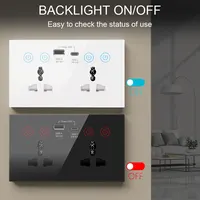
– Pairing and Reset Operation: If pairing fails, first check whether the WiFi password is correct and whether the device is in pairing mode (indicator light flashing rapidly); when adding a new phone to management, press and hold the switch for 5 seconds to reset (the indicator light will go off and then turn on again). After resetting, the original phone will lose control permissions, so please back up settings in advance.







Reviews
Clear filtersThere are no reviews yet.