
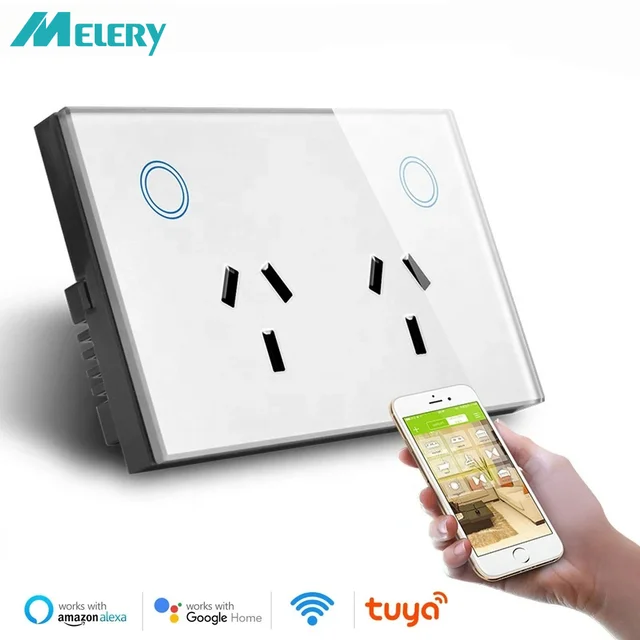
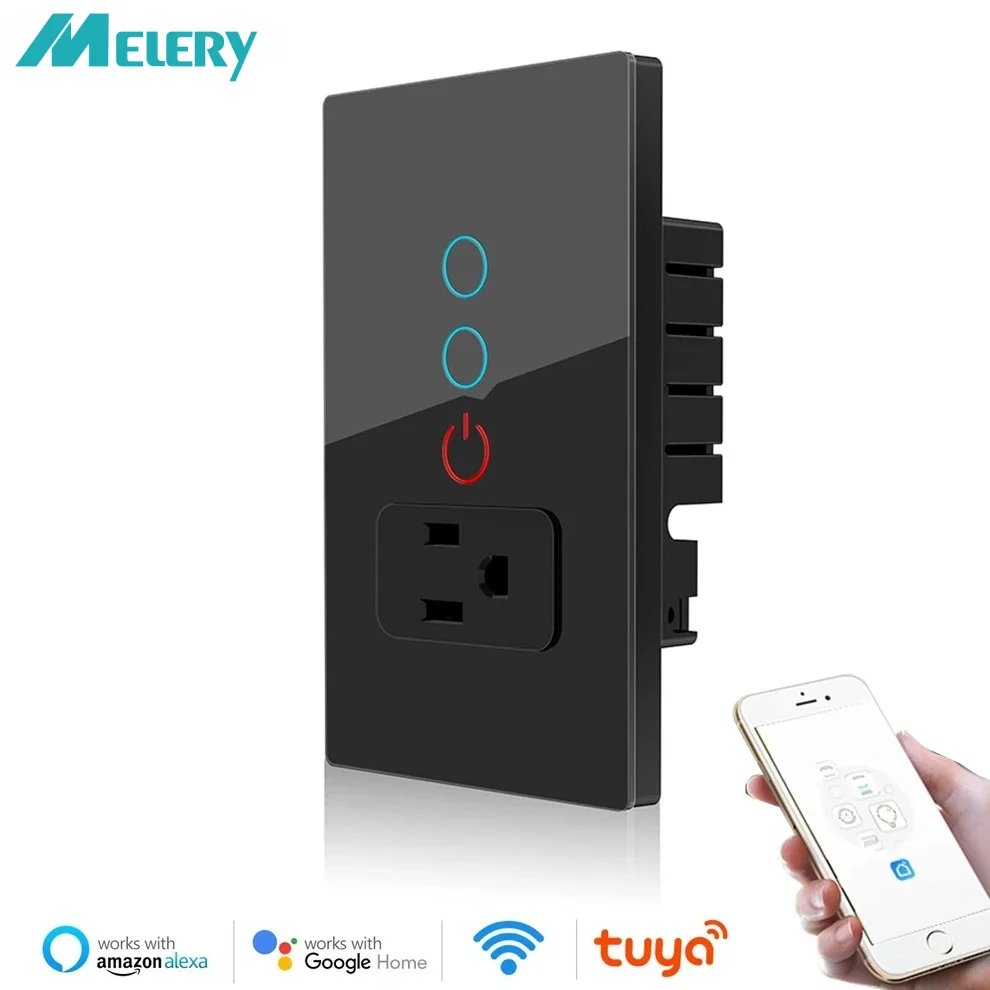
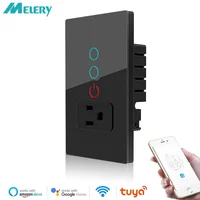

Melery US Standard Smart WiFi Wall Socket, 1 AC + 1/2 Way Switch, Tuya App Control, Glass Panel, Works with Alexa & Google Home
Upgrade your home to a smart lifestyle with Melery US Standard Smart Wall Socket! Featuring a sleek glass panel, 1 AC outlet plus 1/2 way switch, and seamless Tuya app integration, this smart socket brings convenience, safety, and energy efficiency to your daily life. No hub required—just connect to your 2.4GHz WiFi and take full control of your home appliances anytime, anywhere.
🌟 Key Features & Benefits
-
US Standard Compatibility: Designed specifically for US electrical systems, perfect replacement for traditional wall sockets, ensuring stable and safe power supply for all your home devices.
-
Smart Tuya App Control: Download the “TUYA” app (available on iOS & Android) to remotely control the socket’s on/off status, monitor real-time device status, and manage multiple sockets with one smartphone (supports up to 150 smart devices).
-
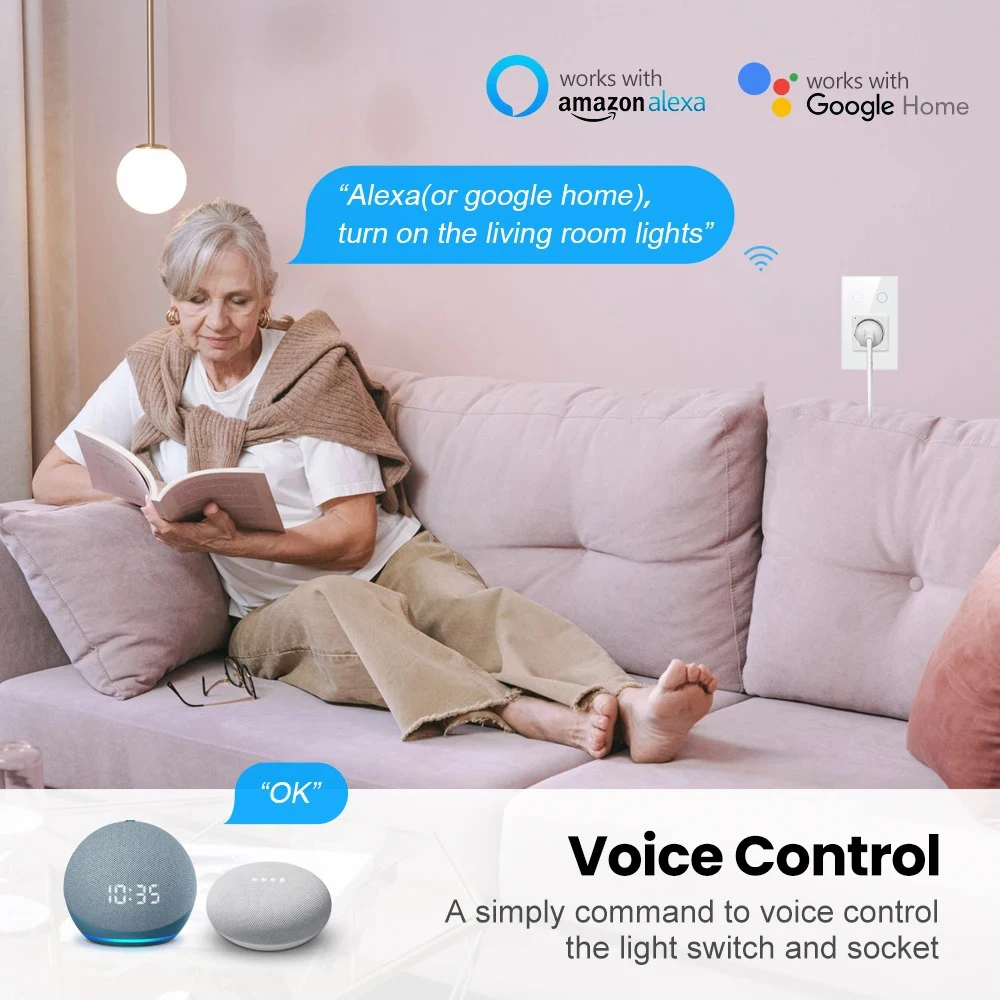
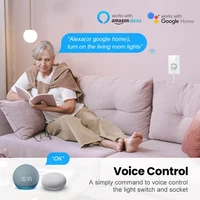
Voice Control Convenience: Works seamlessly with Amazon Alexa (Echo, Echo Dot), Google Assistant, and Nest. Assign a name to the socket and activate your appliances with simple voice commands—hands-free operation makes your life easier than ever.
-
1 AC + 1/2 Way Switch Design: Equipped with 1 AC outlet and 1/2 way switch, meeting diverse power needs. Independently control different devices, ideal for lamps, fans, coffee makers, chargers, and other home appliances.
-
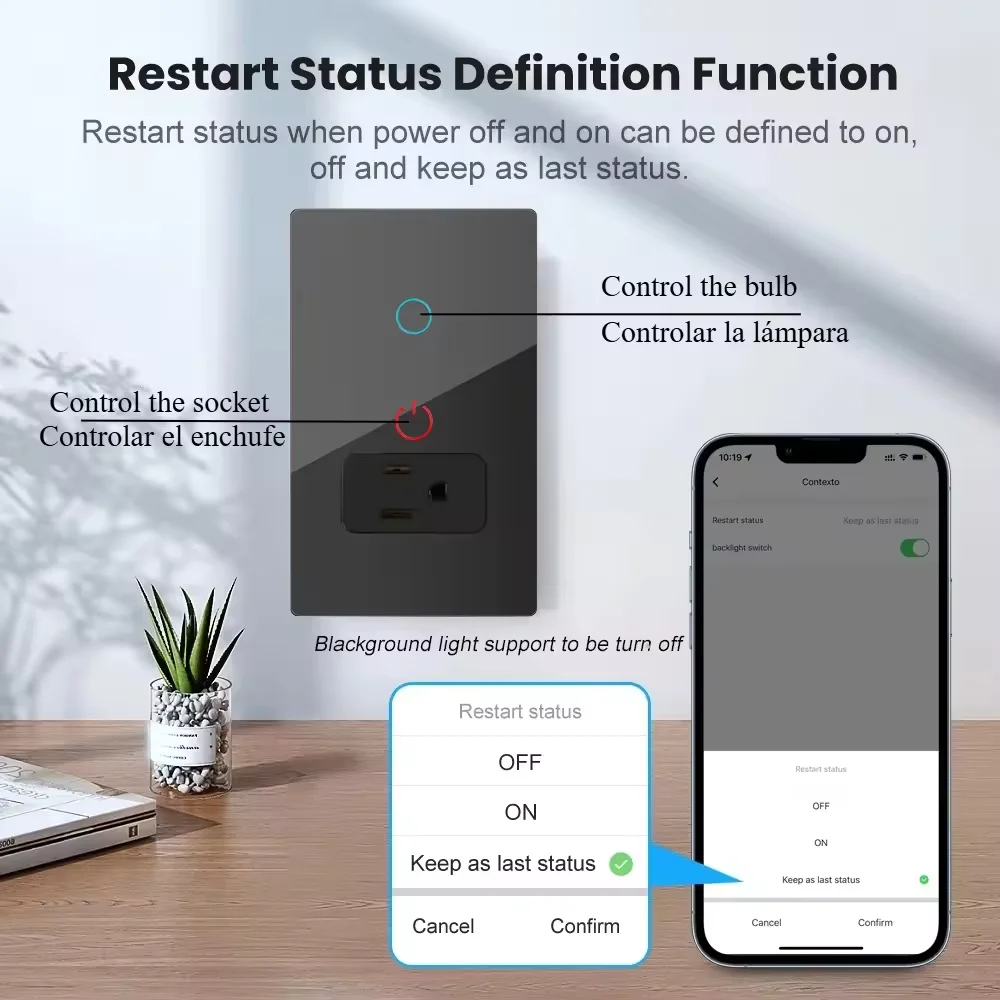
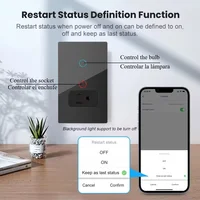
Independent Touch Switch Control: Built-in independent touch switches on the sleek glass panel, allowing you to directly control the on/off of the AC outlet and switches with a light touch. The sensitive touch response and visual indicator lights make operation intuitive and convenient, no need to use the app or voice commands when nearby.
-
Sleek Glass Panel: Adopts high-quality glass panel that is scratch-resistant, easy to clean, and adds a modern touch to any home decor—perfect for living rooms, bedrooms, kitchens, and offices.
-
Smart Configure Net Technology: Effortless setup with Smart Link technology, no complex operation required. Just follow the simple steps to connect to WiFi quickly and stably.
-
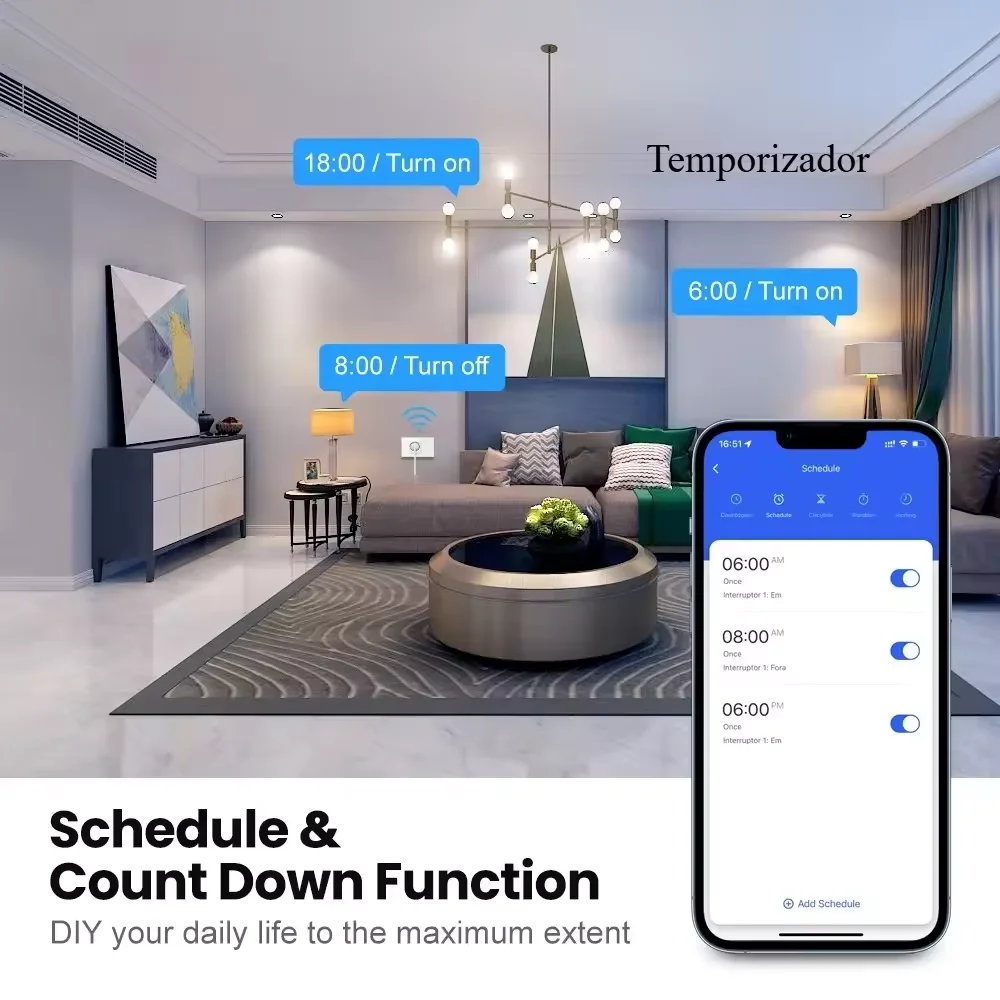
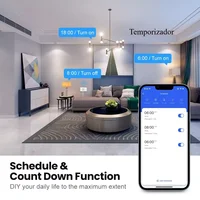
Customizable Schedules & Energy Saving: Set timers or schedules to automatically turn on/off devices based on your daily routine. Avoid energy waste from standby devices, reduce electricity bills, and extend appliance lifespan.
-
Multiple Safety Certifications: FCC, CE, ROHS, RED approved. Made of high-quality PC material with flame-retardant properties, ensuring safe use. Supports WEP61/WEP/128/TKIP/CCMP(AES) security types and WEP/WPA-PSK/WPA2-PSK security mechanisms to protect your network safety.
📋 Technical Specifications
|
Parameter
|
Details
|
|
Brand
|
Melery
|
|
Standard
|
US Standard
|
|
Configuration
|
1 AC Outlet + 1/2 Way Switch
|
|
Color
|
Black, White (Optional)
|
|
Size (L×W×H)
|
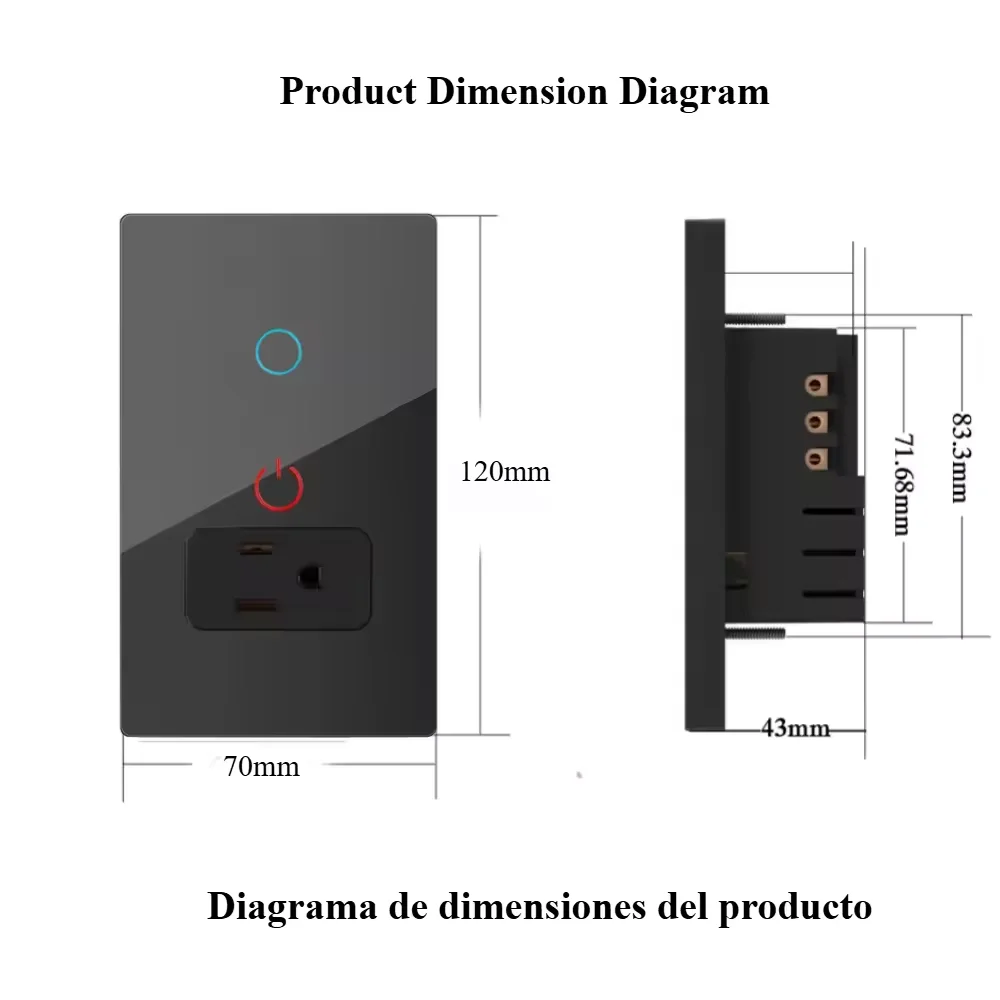
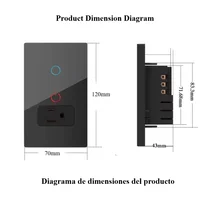
118×86×38mm
|
|
Weight
|
191g
|
|
Material
|
PC + Glass Panel
|
|
Voltage Range
|
90-250V AC
|
|
Max Current
|
15A each
|
|
Wireless Frequency
|
2.412~2.484GHz
|
|
Wireless IEEE Standards
|
IEEE802.11b/g/n
|
|
Wireless Power Consumption
|
≤0.3W
|
|
Working Temperature
|
-30~60℃
|
|
Compatibility
|
Tuya App, Amazon Alexa, Google Assistant, Nest (2.4GHz WiFi only)
|
🔧 4 Easy Setup Steps
-
Download the “TUYA” Smart Home app from the App Store (iOS) or Google Play Store (Android).
-
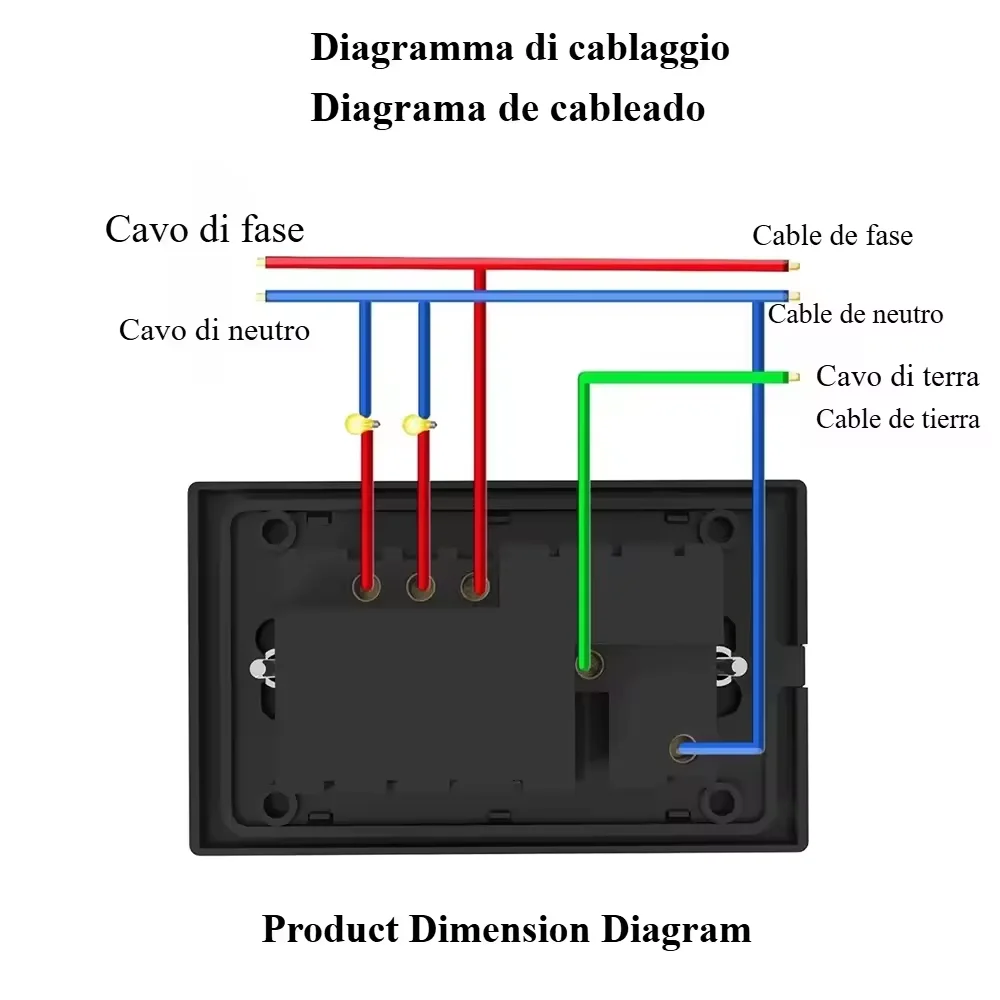
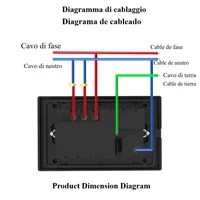
Turn off the power supply before installation, then replace your existing wall socket with Melery smart socket (follow the manual for wiring instructions).
-
Turn on the power, open the TUYA app, and add the device by following the app’s guidance (using Smart Configure Net technology for quick connection).
-
Integrate with Amazon Alexa by adding “TUYA Smart” as a skill, or with Google Home by adding “TUYA Smart” as a new device. Enjoy voice control and remote access!
🗣️ Detailed Pairing Guide for Alexa & Google Home
Pairing with Amazon Alexa
-
Ensure your Melery smart socket has been successfully connected to the TUYA app and is online.
-
Open the Amazon Alexa app on your mobile device and log in to your Amazon account.
-
Tap the “More” icon at the bottom right corner, then select “Skills & Games”.
-
Search for “TUYA Smart” in the search bar and select the official TUYA Smart skill.
-
Tap “Enable to Use” and log in to your TUYA app account to link it with your Alexa account.
-
After successful linking, tap “Discover Devices” or manually add the socket. Alexa will automatically search and add your Melery smart socket.
-
Once added, you can assign a custom name to the socket (e.g., “Living Room Lamp Socket”) and start using voice commands like “Alexa, turn on Living Room Lamp Socket”.
Pairing with Google Home
-
Make sure your Melery smart socket is connected to the TUYA app and online.
-
Open the Google Home app and log in to your Google account.
-
Tap the “+” icon at the top left corner, then select “Set up device”.
-
Choose “Works with Google” from the options.
-
Search for “TUYA Smart” in the search box and select it.
-
Log in to your TUYA app account to authorize Google Home to access your smart devices.
-
After authorization, Google Home will scan and list your Melery smart socket. Select the socket and follow the prompts to complete the setup.
-
Rename the socket if needed and use voice commands such as “Hey Google, turn off Bedroom Fan Socket” to control it.
📌 Wide Compatibility with Home Appliances
This Melery smart wall socket supports a maximum load that covers most home devices, including lamps, fans, audio systems, coffee makers, kettles, chargers, portable heaters, and more. It can easily automate your home appliances, converting your ordinary home into a smart one in minutes.
🎁 Package Included
-
1 × Melery Smart WiFi Wall Socket
-
2 × Installation Screws
-
1 × User Manual
Note: This product requires a 2.4GHz WiFi network (5GHz WiFi is not supported). For optimal performance, ensure the socket is within the WiFi signal range. Professional electrical installation is recommended if you are not familiar with wiring.
Choose Melery Smart Wall Socket to enjoy a more convenient, safe, and energy-efficient smart home life! If you have any questions about the product, please feel free to contact our customer service team.







Reviews
Clear filtersThere are no reviews yet.