
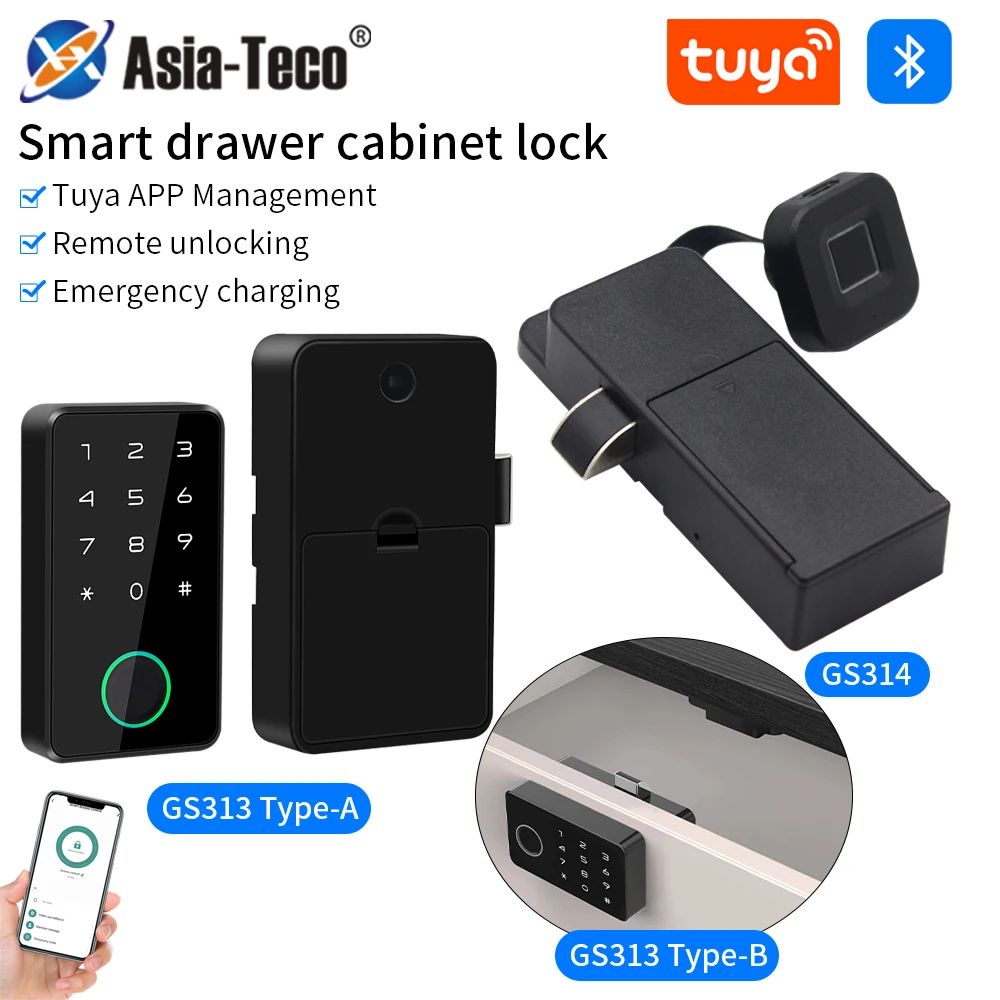
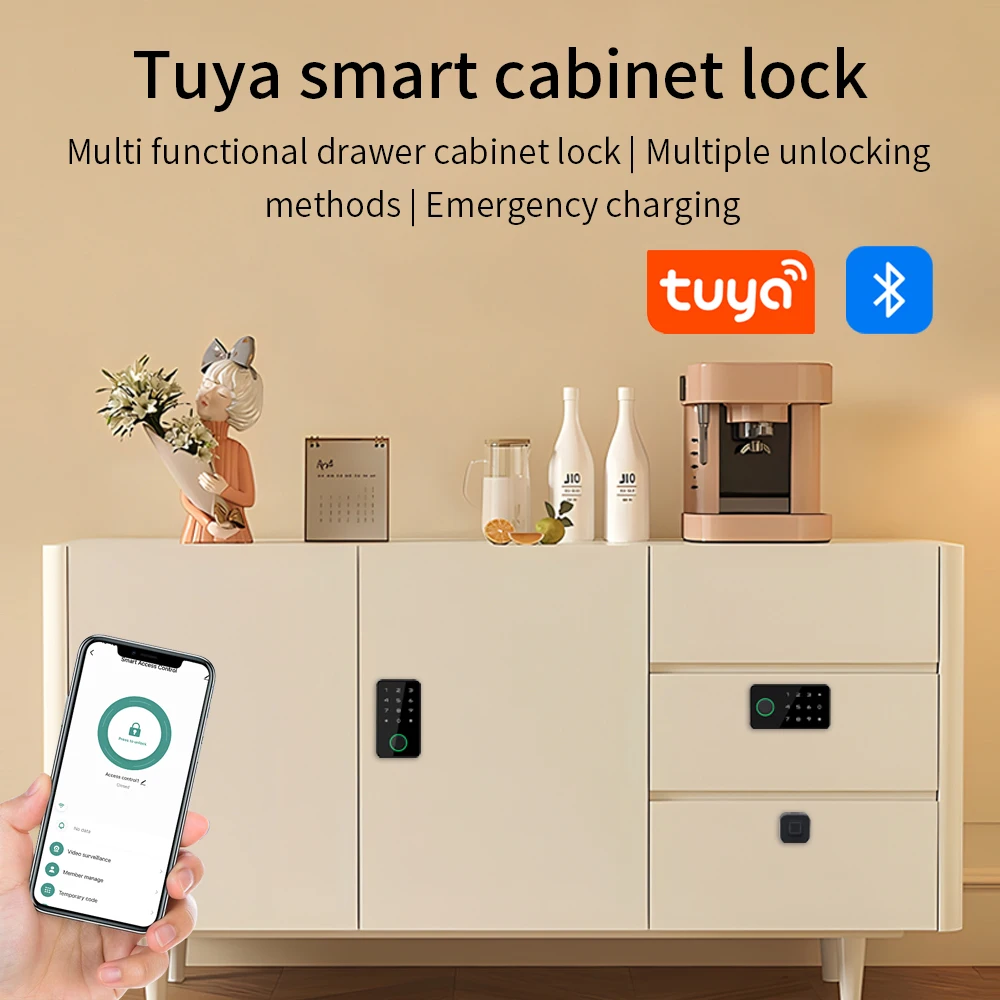
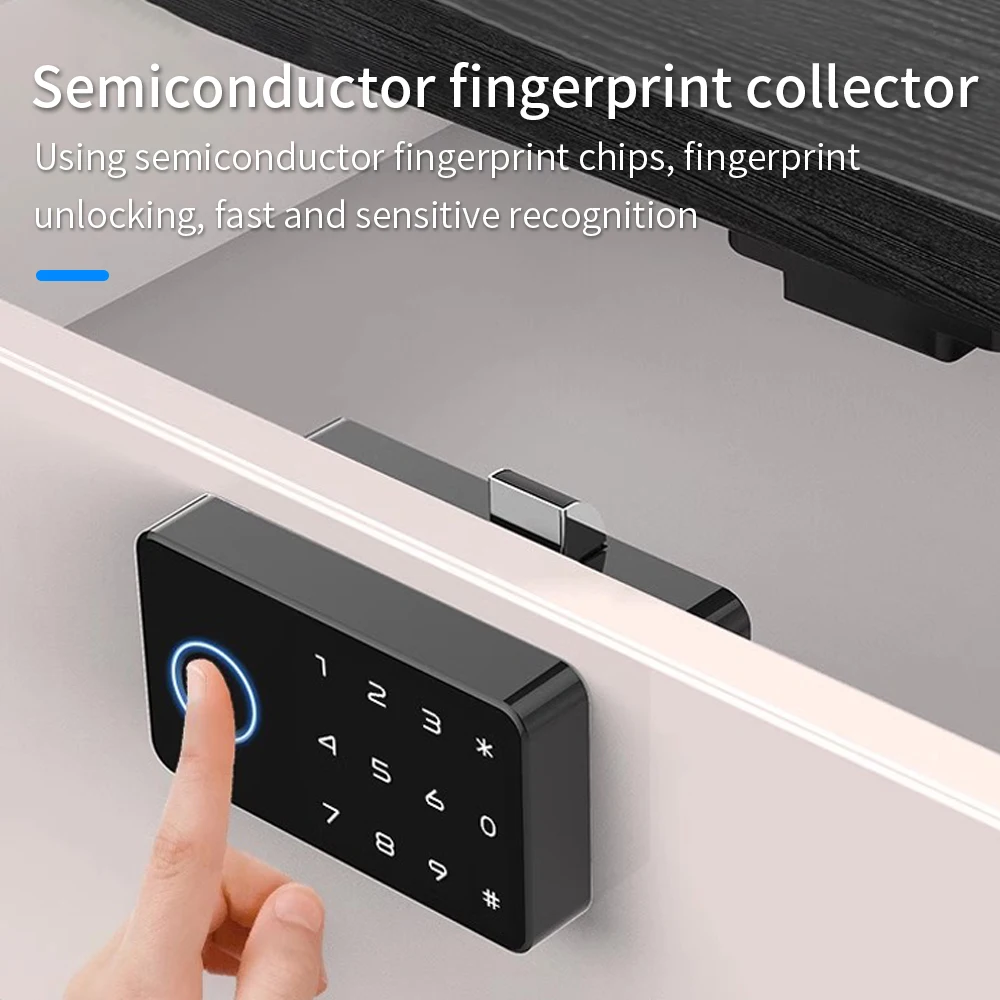
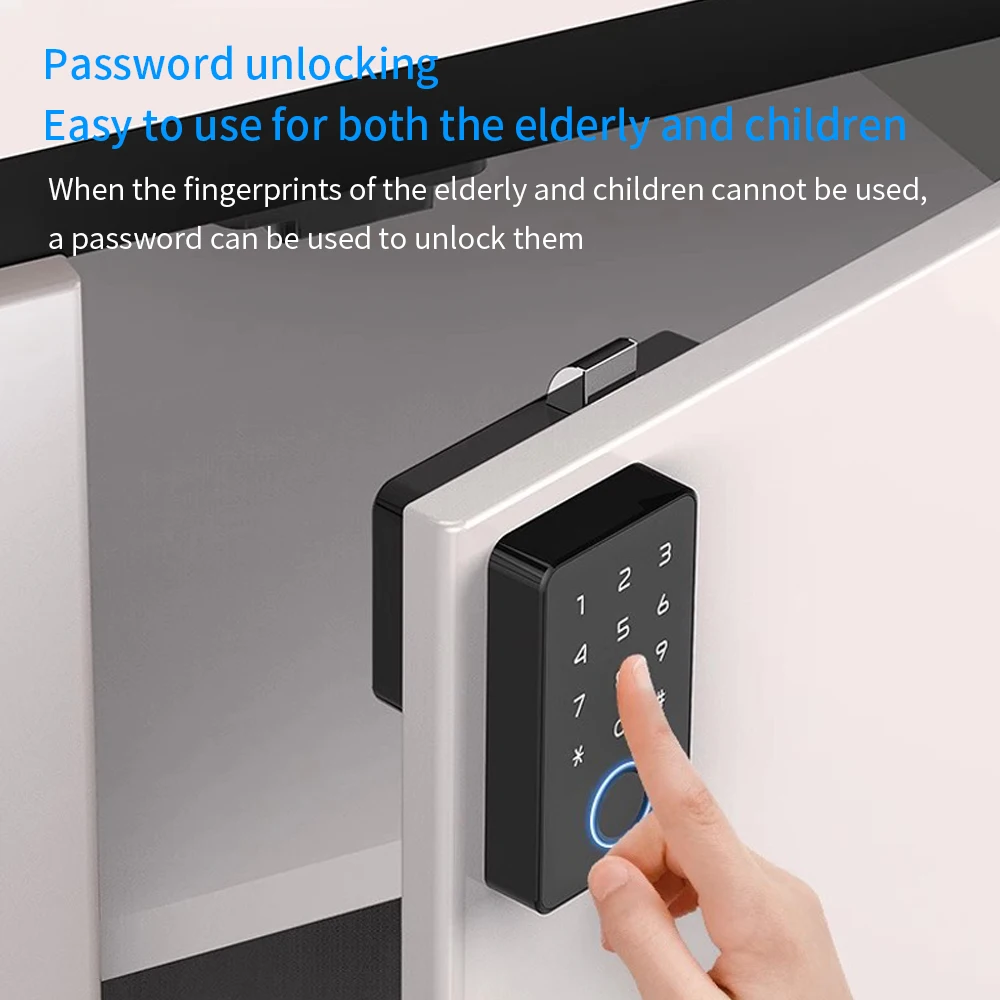
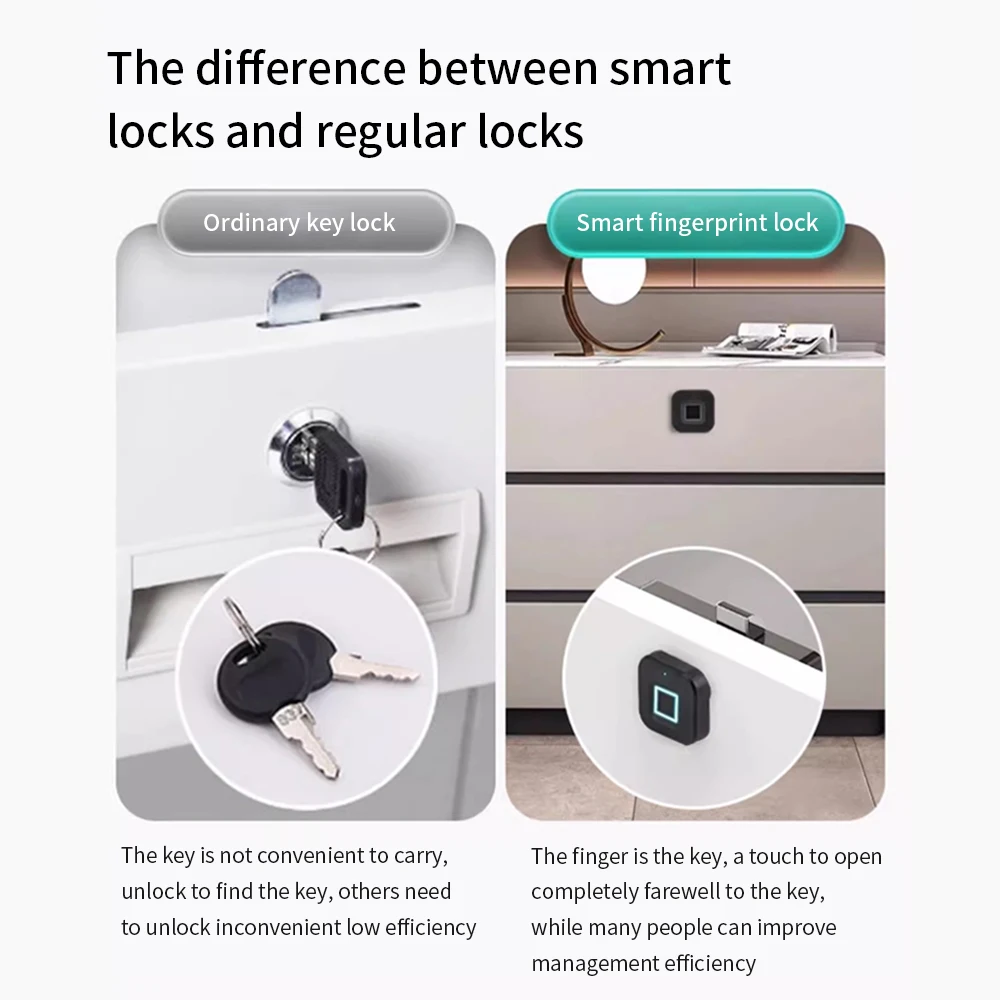
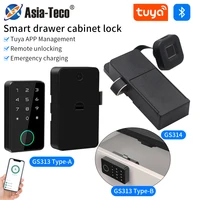
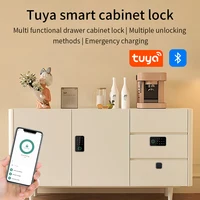
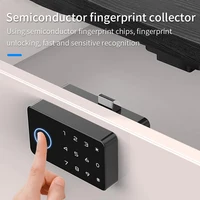
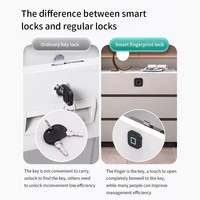

Fingerprint Smart Drawer Cabinet Invisible Lock Tuya APP Ic Card Unlock No-Hole Cabinet Furniture Electronic Keyless Sensor Lock
1.Add the lock
Search the lock in Tuya APP and press “Add” button, wait until it’s added successfully.
2.Unlock the lock:Press the unlock button below and slide it to the right side to unlock it.
3.Add fingerprint:Add user first,and then add fingerprint. You need to press the same finger several times for registration according to the message.
Parameter of GS313
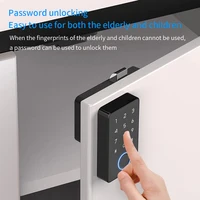
Unlock method: Fingerprint,password,card,Tuya APP Fingerprint sensor:Semi conductor
Recognitionspeed:<0.5s
Failure rate:<0.001%
Fingerprint capacity: 50
User capacity: 300
Card type: lC card
Working temperature:-25℃-65℃
Working humidity:5%-95%
Powersupply:AAA battery x4
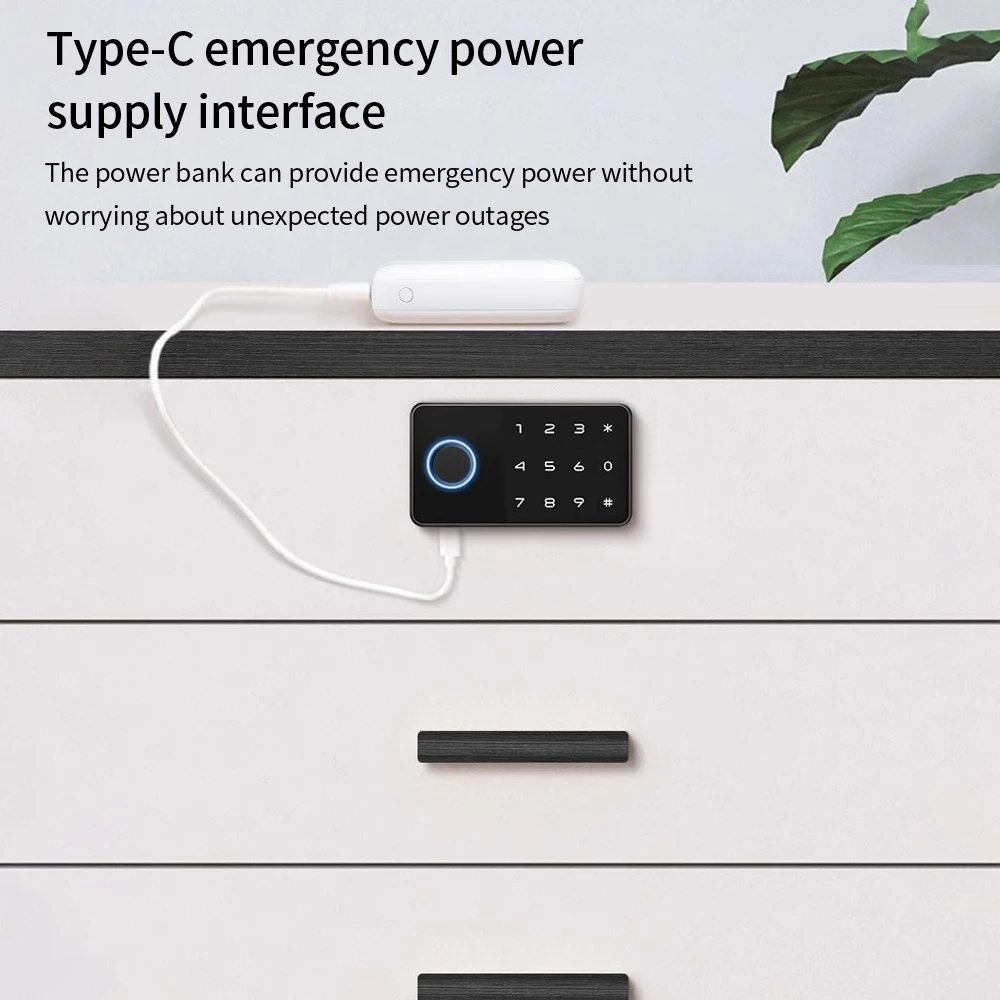
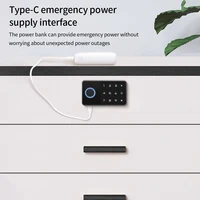
Emergency power: USB TYPE-C
Parameter of GS314
Power:1.5V AAA battery x3
Fingerprint:20
Pressing times:10
Sleep power:<80uA
Voltage:3.3-5V
Low power alert:<3.5V
Emergency power:USB TYPE-C
App: Tuya Bluetooth
Battery life:>3000 times use
Brief guide
At factory mode,any fingerprint can unlock it.After you connect the APP without registering any fingerprint, you can only unlock it by the APP.After you register your fingerprints,you can unlock it by APP and the registered fingerprints.
Fingerprint verification OK: Green LED blinks once.
Fingerprint verification failed: Red LED blinks once.
After successful verification,ifthe green LED blinks once and the red LED blinks 3 times, you need to change the battery.
Reset thelock
You may press the reset button with a pin through the pin hole for 8 seconds.Or after APP connection you may delete the lock from the APP.
APP connection
At factory mode, press the fingerprint sensor for more than 3 seconds until the light turns on.Now the lock is ready for APP connection.









Reviews
Clear filtersThere are no reviews yet.