
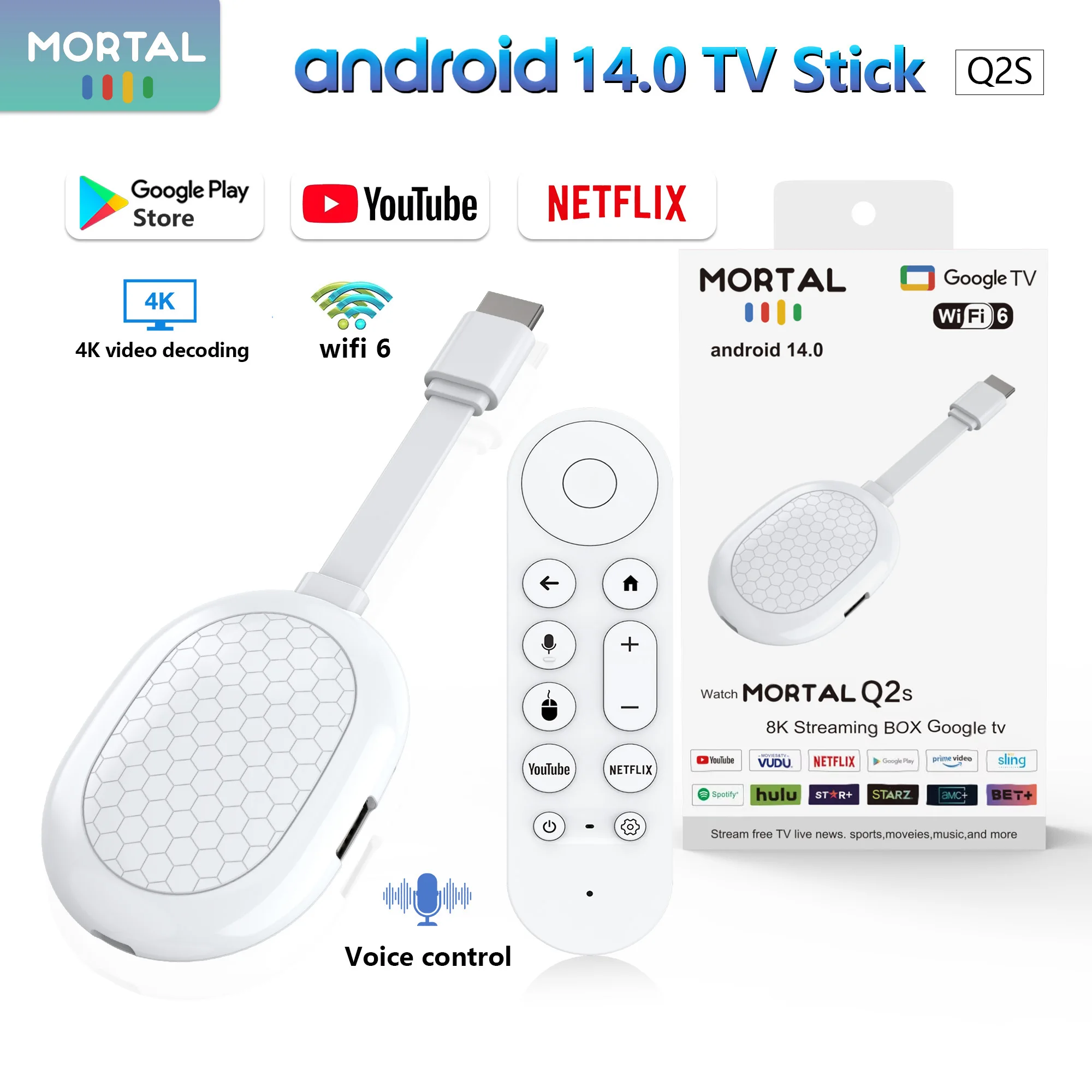
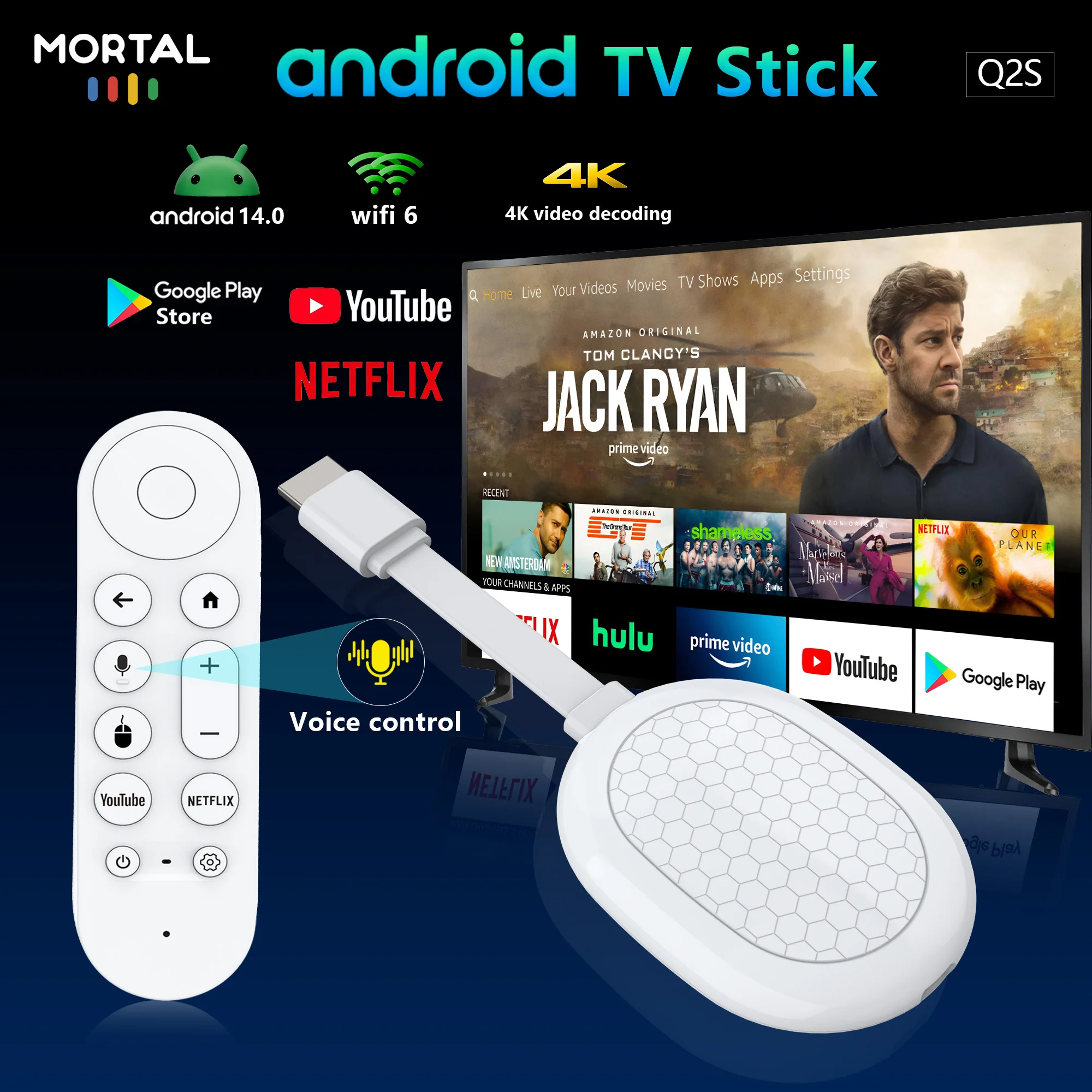
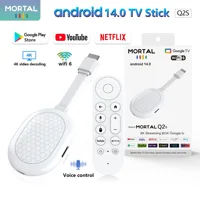
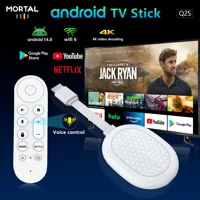

Smart TV stick Android14 Rock3518 Mortal Q2S Chromecast Voice remote WiFi6 4K@60fps WiFi6 Blueooth 2GB8GB16GB Streaming
-
Stunning 4K streaming made simple: exploring popular apps—plus tons of free movies, shows, and live TV—is as easy as it is fun.
-
Breathtaking picture quality: Stunningly sharp 4K picture brings out rich detail in your entertainment with four times the resolution of HD. Watch as colors pop off your screen and enjoy lifelike clarity with ultra Vision and HDR10+
-
Seamless streaming for any room: With Streaming Stick 4K, watch your favorite entertainment on any TV in the house, even in rooms farther from your router thanks to the long-range Wi-Fi receiver
-
Compact without compromises: Our sleek design won’t block neighboring HDMI ports, so you can switch from streaming to gaming with ease. Plus, it’s designed to stay hidden behind your TV, keeping wires neatly out of sight
-
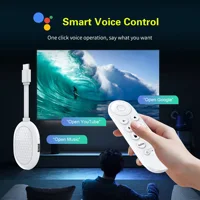
Use your voice to quickly search, play entertainment, and more
-
Take your favorite TV with you: With this player’s portable design, you can take your TV to-go when traveling—without logging in on someone else’s device
-
All the top apps: Never ask “Where’s that streaming?” again. Now all of the top apps are in one place, so you can always stream your favorite shows, movies, and more
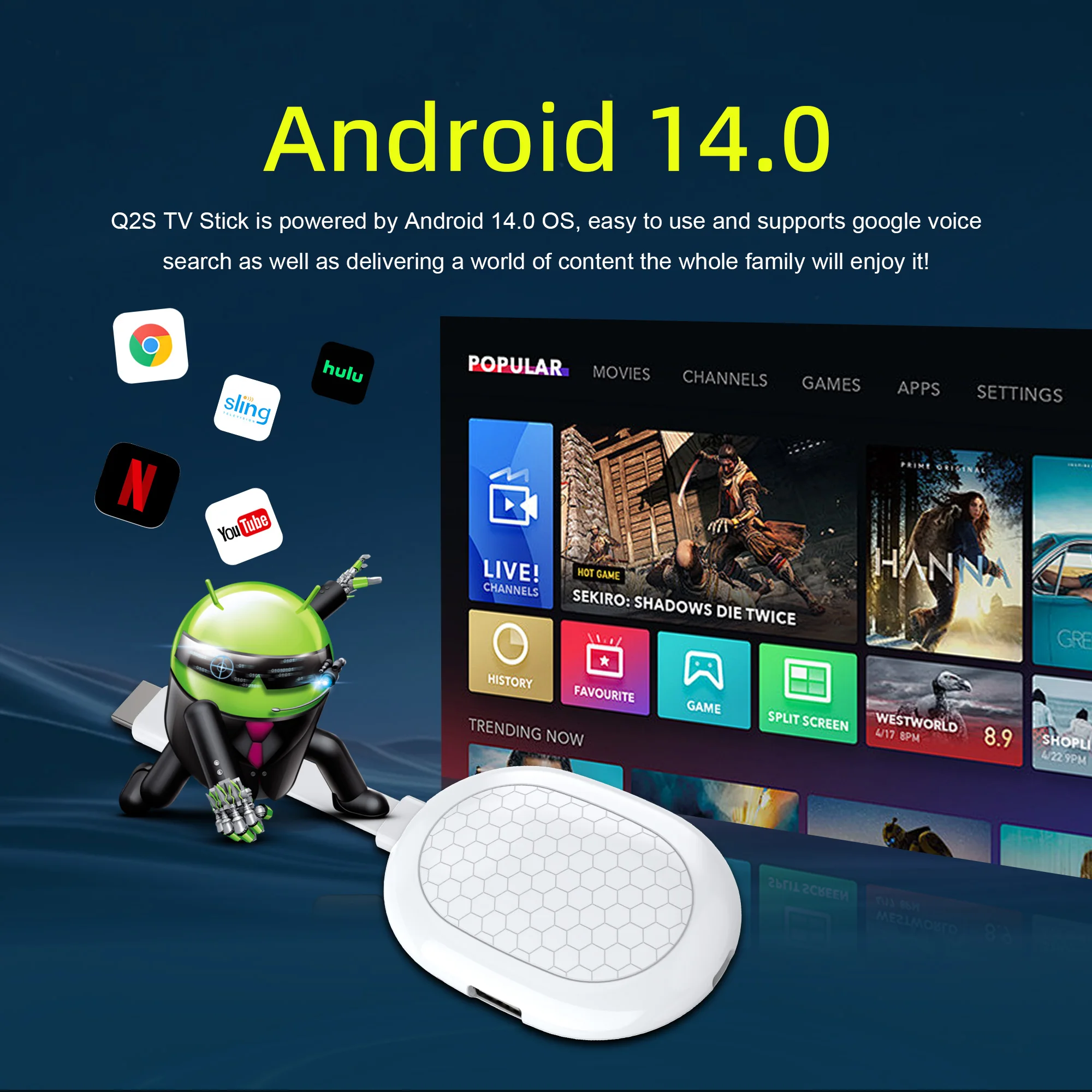
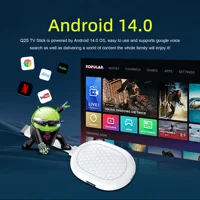
Paired with Android 14 system
All of the top apps are in one place
so you can always stream your favorite shows, movies, and more.
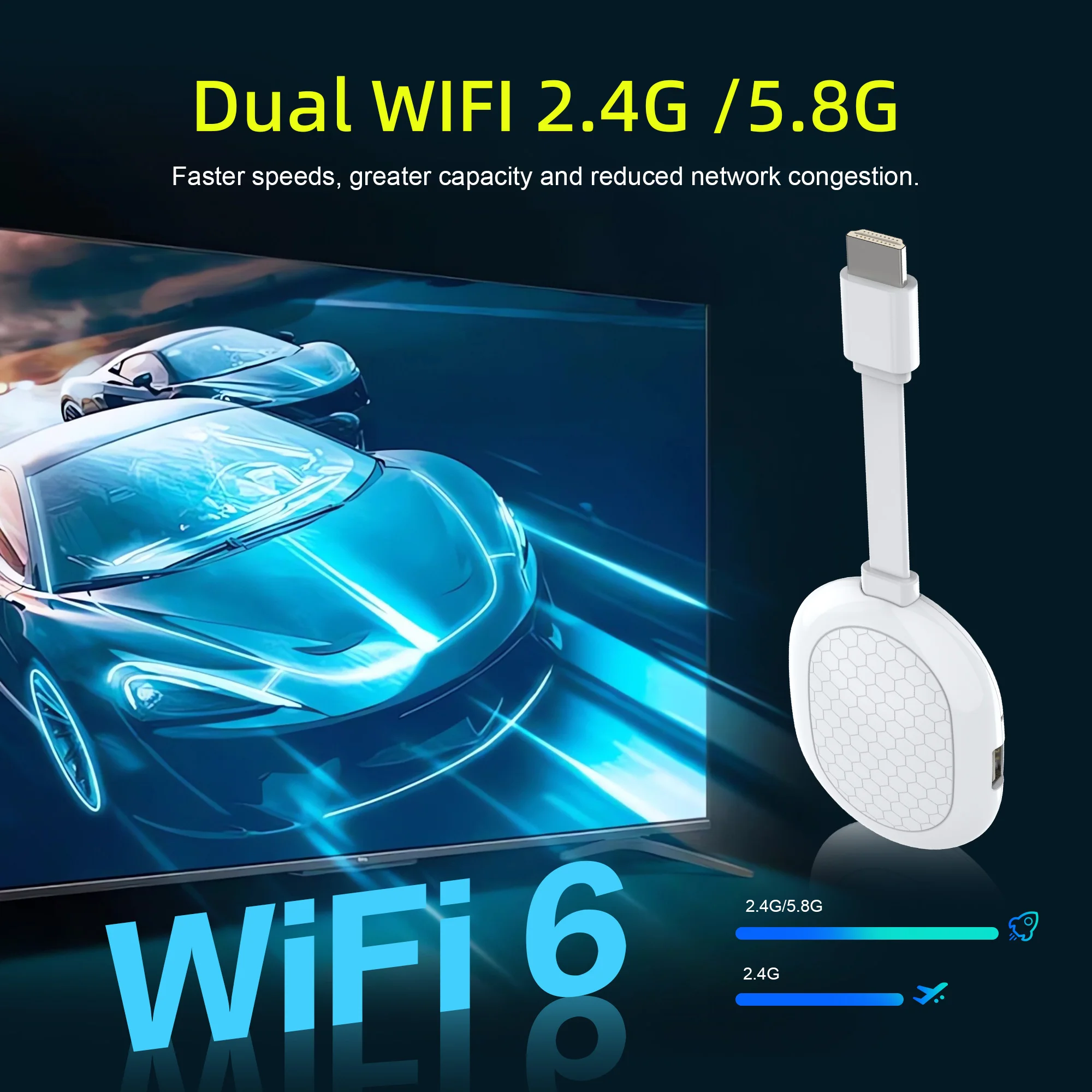
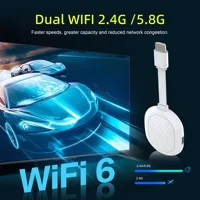
Paired with the latest WIFI6 technology
Seamless streaming for any room
watch your favorite entertainment on any TV in the house,
even in rooms farther from your router thanks to the long-range Wi-Fi receiver
8K ecoding 4K HDR picture quality
Stunningly sharp 4K picture brings out rich detail in your entertainment with four times the resolution of HD.
Watch as colors pop off your screen
Ultra high frequency CPU
powered by Allwinner H313 Quad-core ARM Cortex A53
Support [2GB RAM + 8GB ROM] [2GB RAM + 16GB ROM] ,which makes sure android box running more stable and faster to load movies,pictures and play games without buffer.
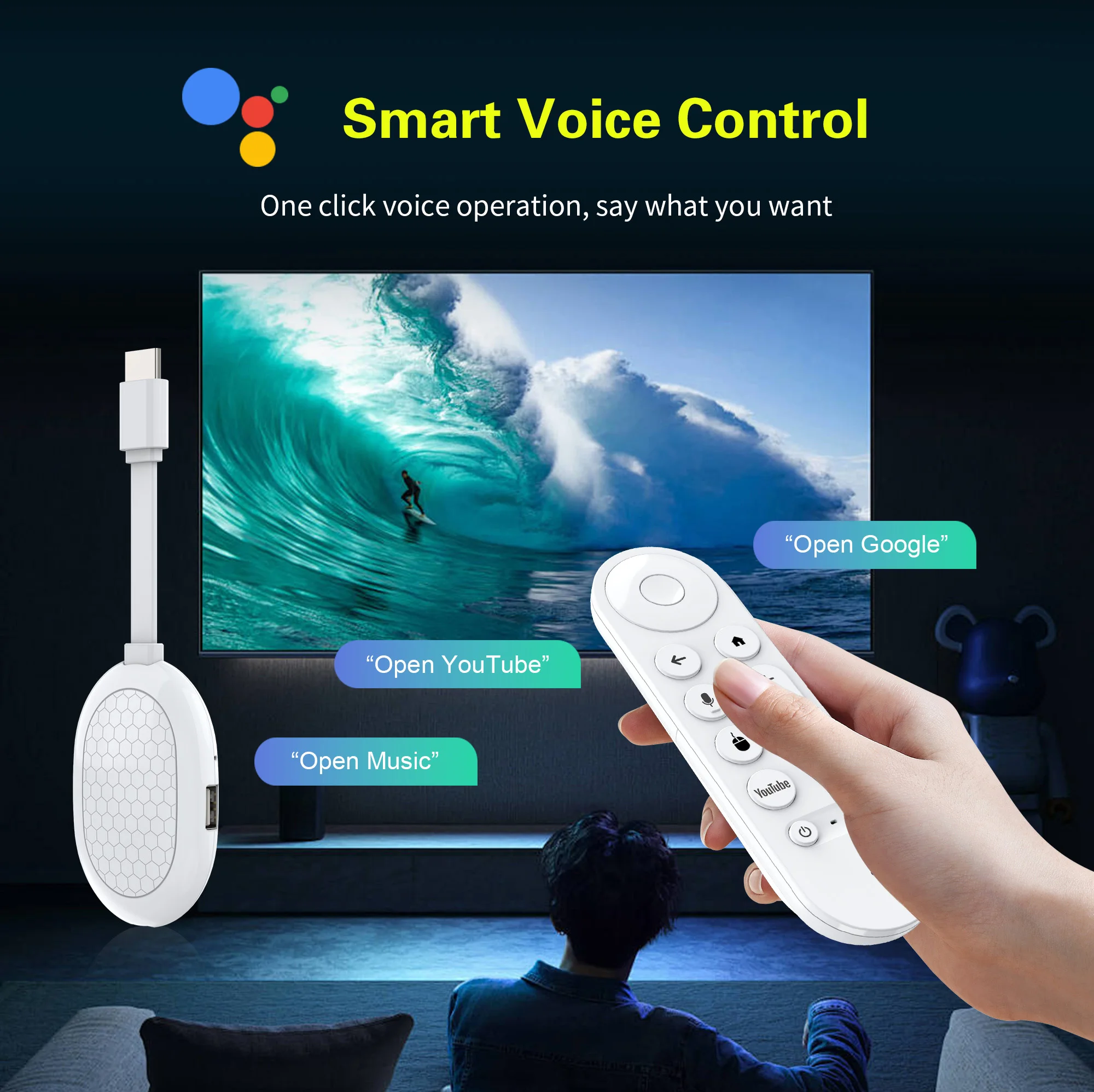
Voice search & control
Quickly search, play entertainment, and control your streaming device with the voice remote
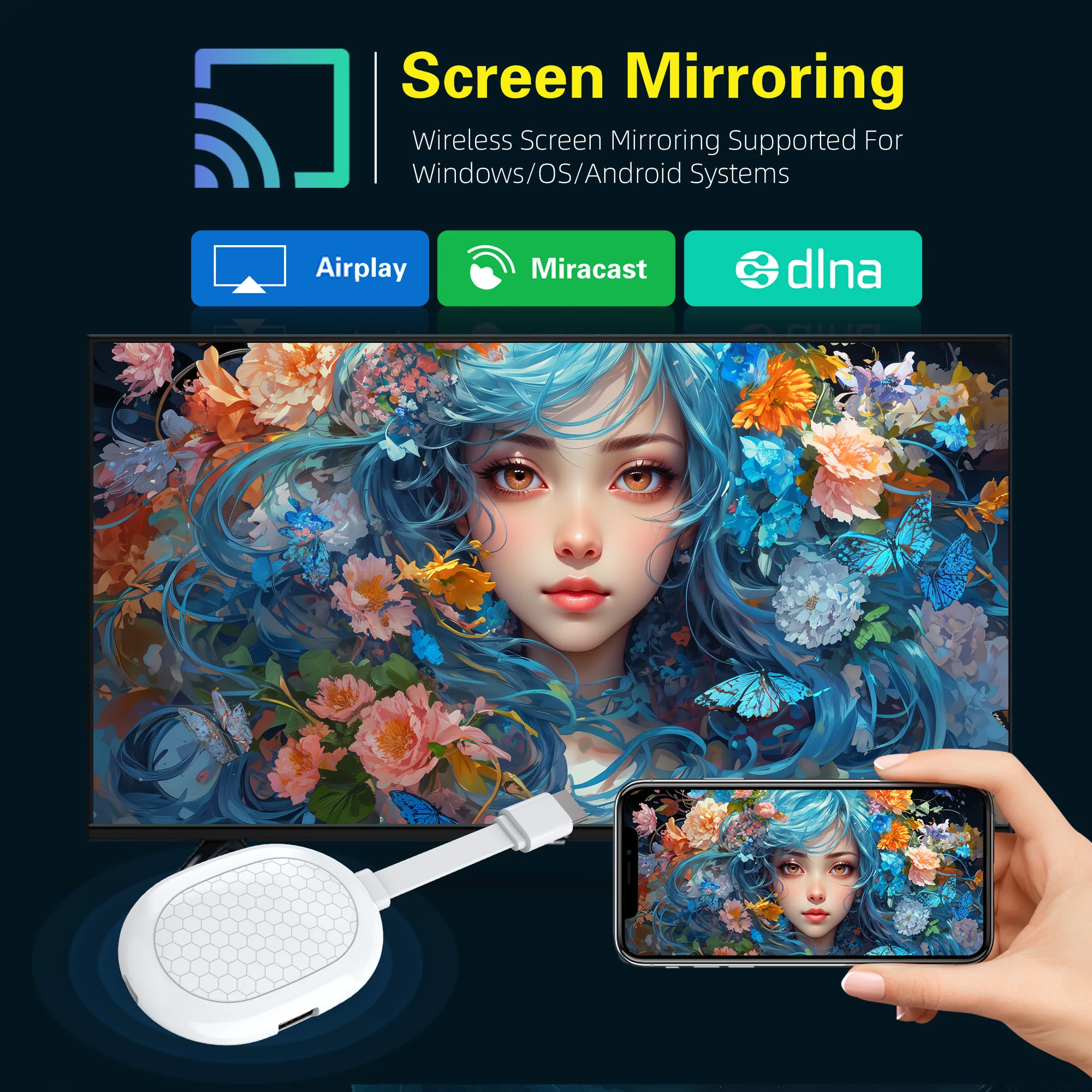
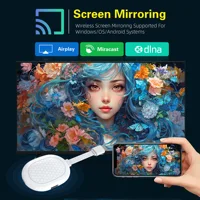
CHROMECAST BUILT-IN
Stream your favorite entertainment and apps from your phone,
tablet or laptop right to the big screen
Super Heat Dissipation
Multiple vents help to dissipate the heat of machine, which is safer and more practical
Specifications
CARD, Network cable, HDMI cable, infrared, Power interface USB and other interfaces
Bring you smart and colorful enjoyment.
What’s in the box
1* Q8 ltra TV stick
1*Voice Remote control
1* HD Cable
1* USB power cord
1*User Manual
How to use netflix?
Step 1, please confirm that the machine network is connected;
Step 2, find the black icon Netflix, click enter, click the mouse mode button on the remote control, switch the remote control to mouse mode, click continue to the next step, a pop-up window will appear for entering account password interface;
Step 3, click the mouse button again to switch the remote control mode back to remote control mode, enter the account password, log in successfully,
Step 4, click the mouse mode button on the remote control again ,switch the remote control mode to mouse mode again, and click on the desired source to watch it normally.
If you are experiencing slow WiFi speed
please check whether your router is WiFi 6 and if it is compatible with WiFi 5. Our box supports WiFi 5, and some WiFi 6 routers only operate in the ax mode on the 5GHz frequency, without supporting the compatible WiFi 5 AC mode. This may result in slower speeds.
Remote can’t navigate on some Apps
It is a common issue for most of android tv box that hard to navigate on some Apps with the remote, as these Apps are mainly provided for tablets and phones that have touch screen settings or mouse. You can connect a mouse or a wireless keyboard to control it.Or click the mouse button on the remote control to switch the remote control mode to the mouse mode
If your TV sticK needs to be restarted after a period of using
it may be that some apps you installed are not compatible or some data is damaged. It is recommended that you “factory data recovery” in the settings.







Reviews
Clear filtersThere are no reviews yet.