
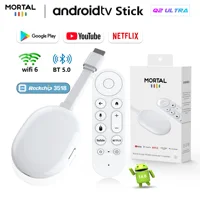
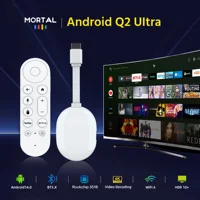

Dear user, please carefully review the precautions at the end of the details page before purchasing to avoid any disputes in the future. Thank you!Some software may not be available for download and use due to compatibility issues. Please be aware of this
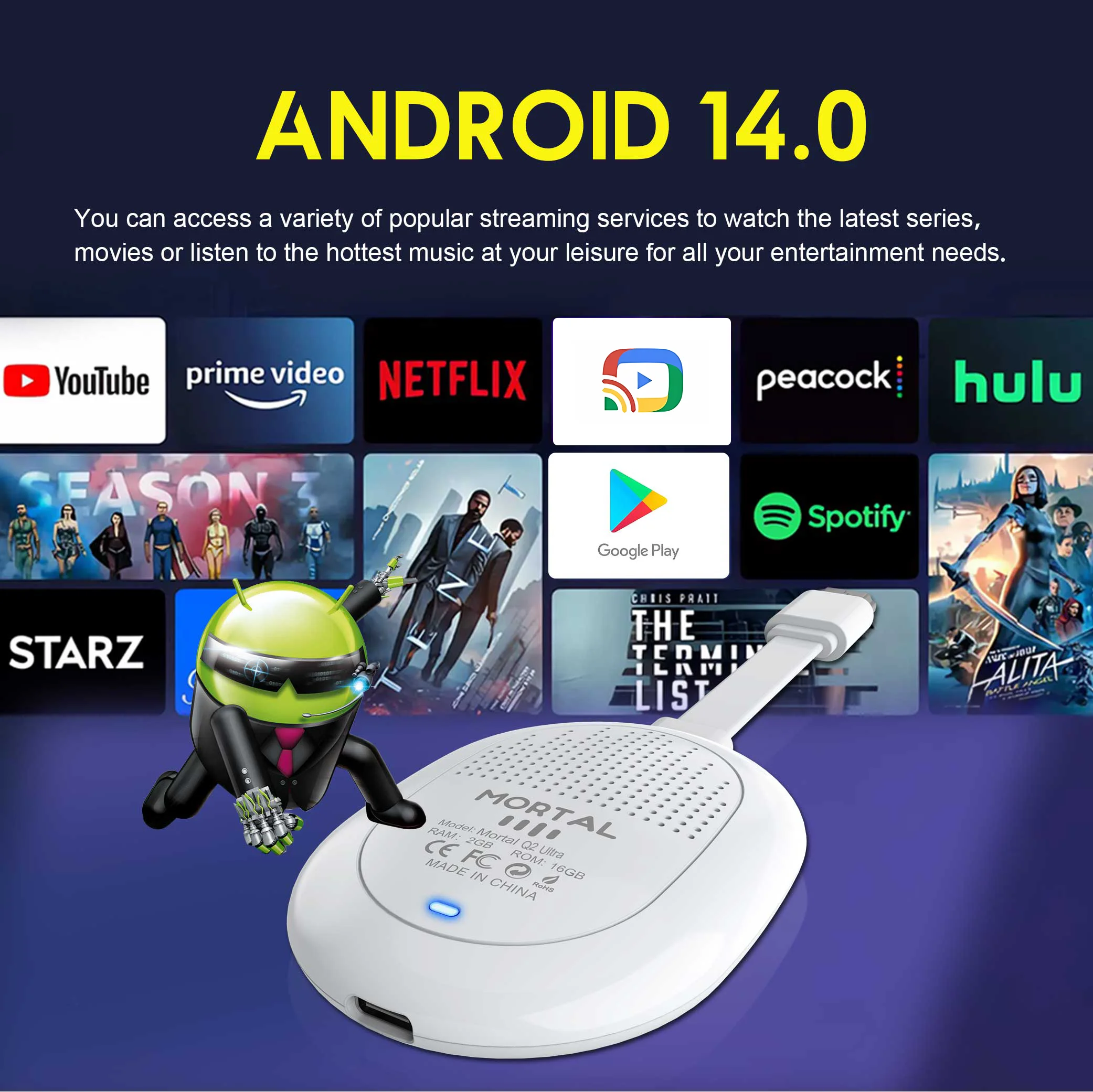
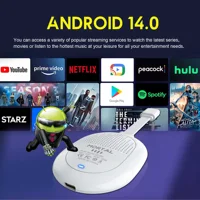
Powerful Android 14.0
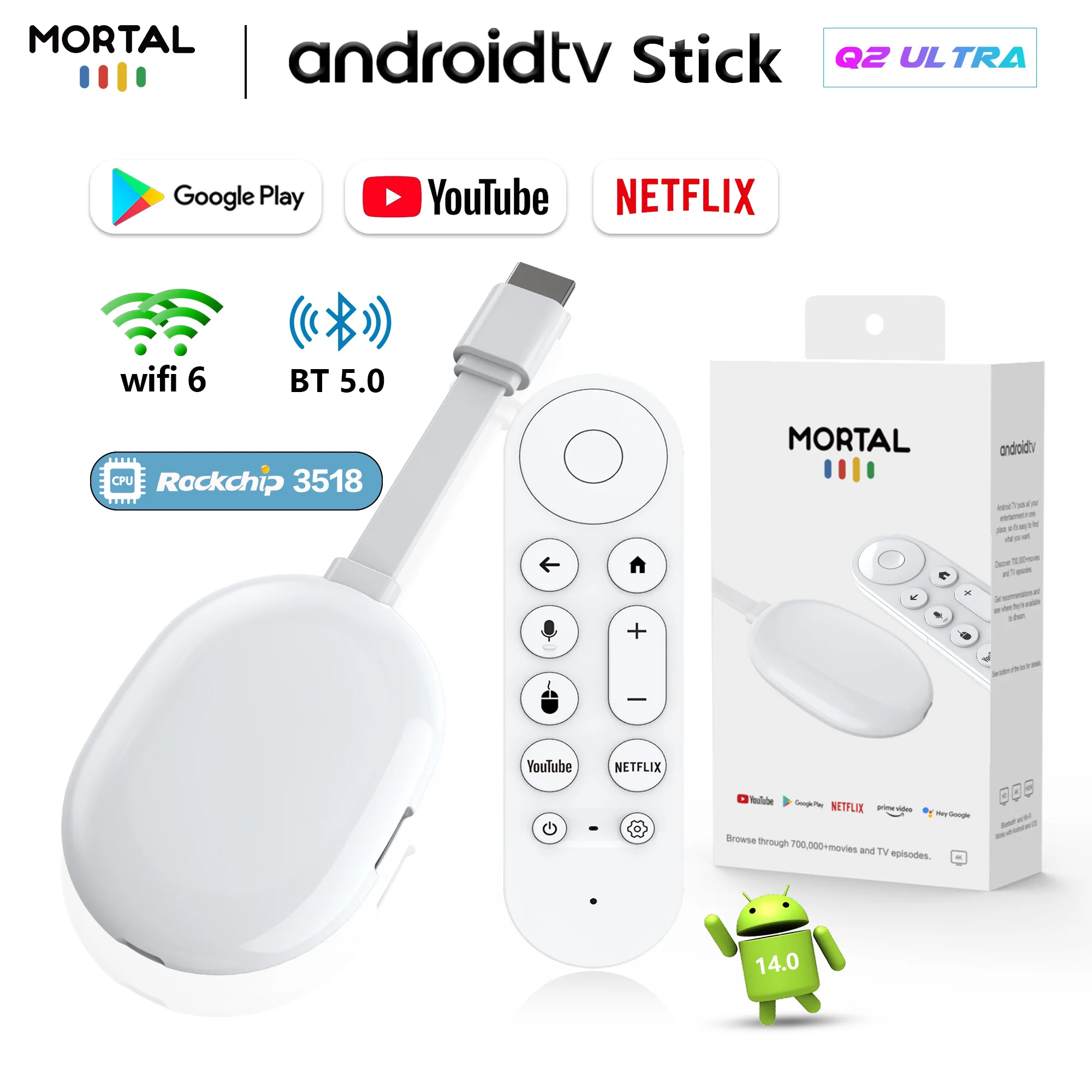
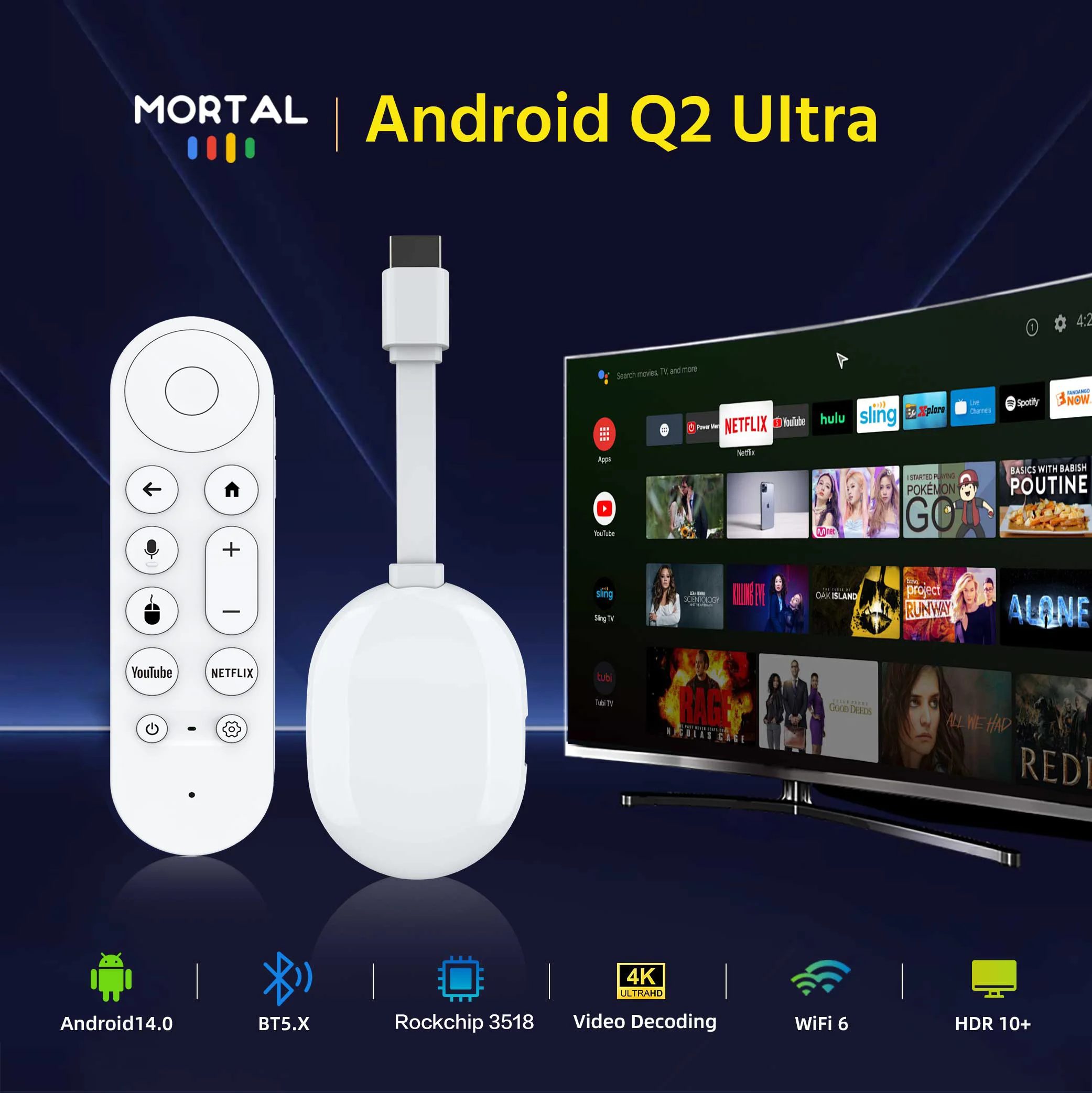
Experience seamless performance with the TV Stick powered by Android 14.0, ensuring fast and efficient operation for all your entertainment needs.
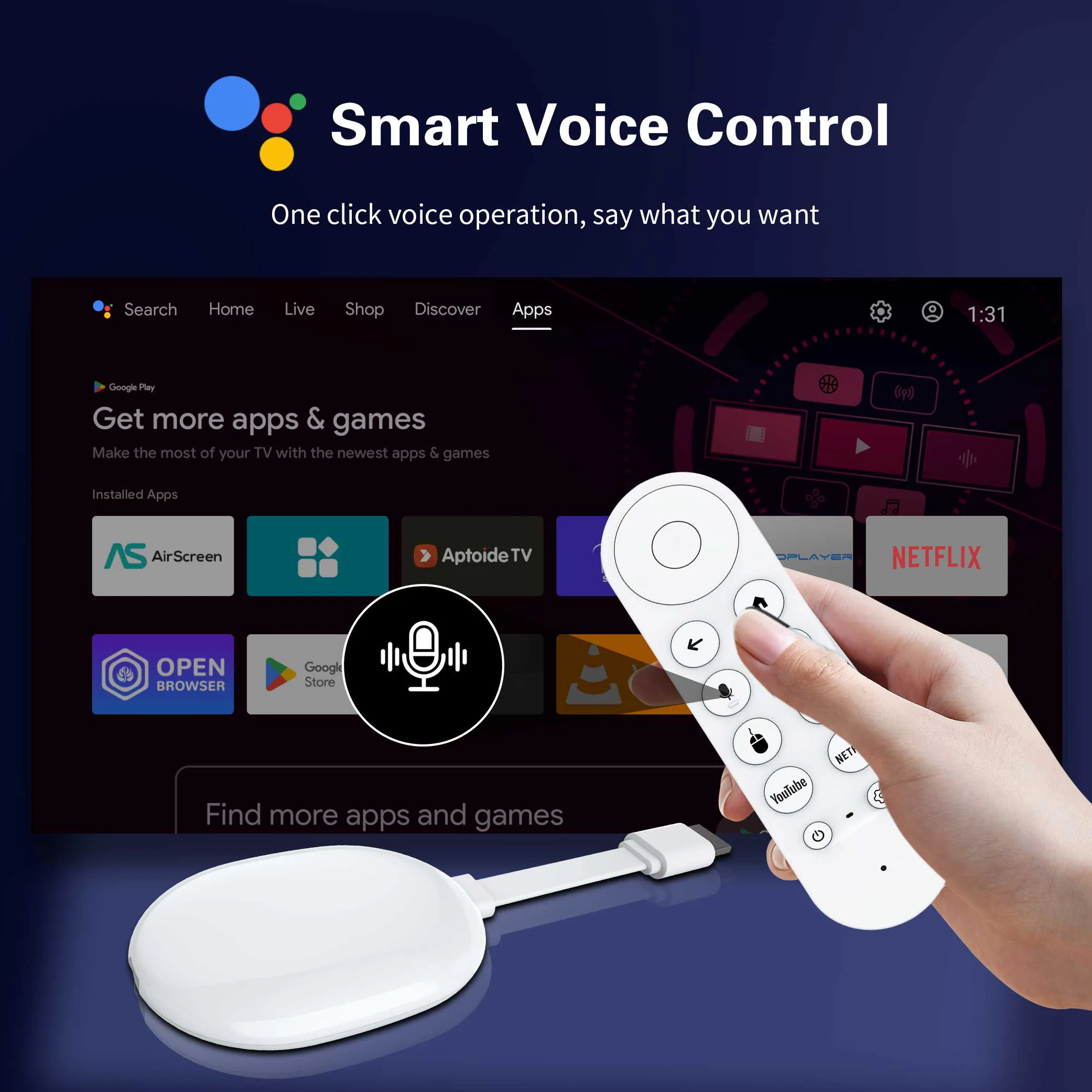
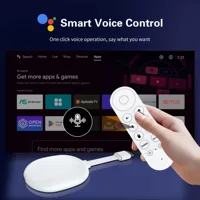
Intelligent voice remote control
Intelligent voice control, one click to say the operation you want, freeing your hands and supporting precise search (such as “playing the movie ‘Wandering Earth’)
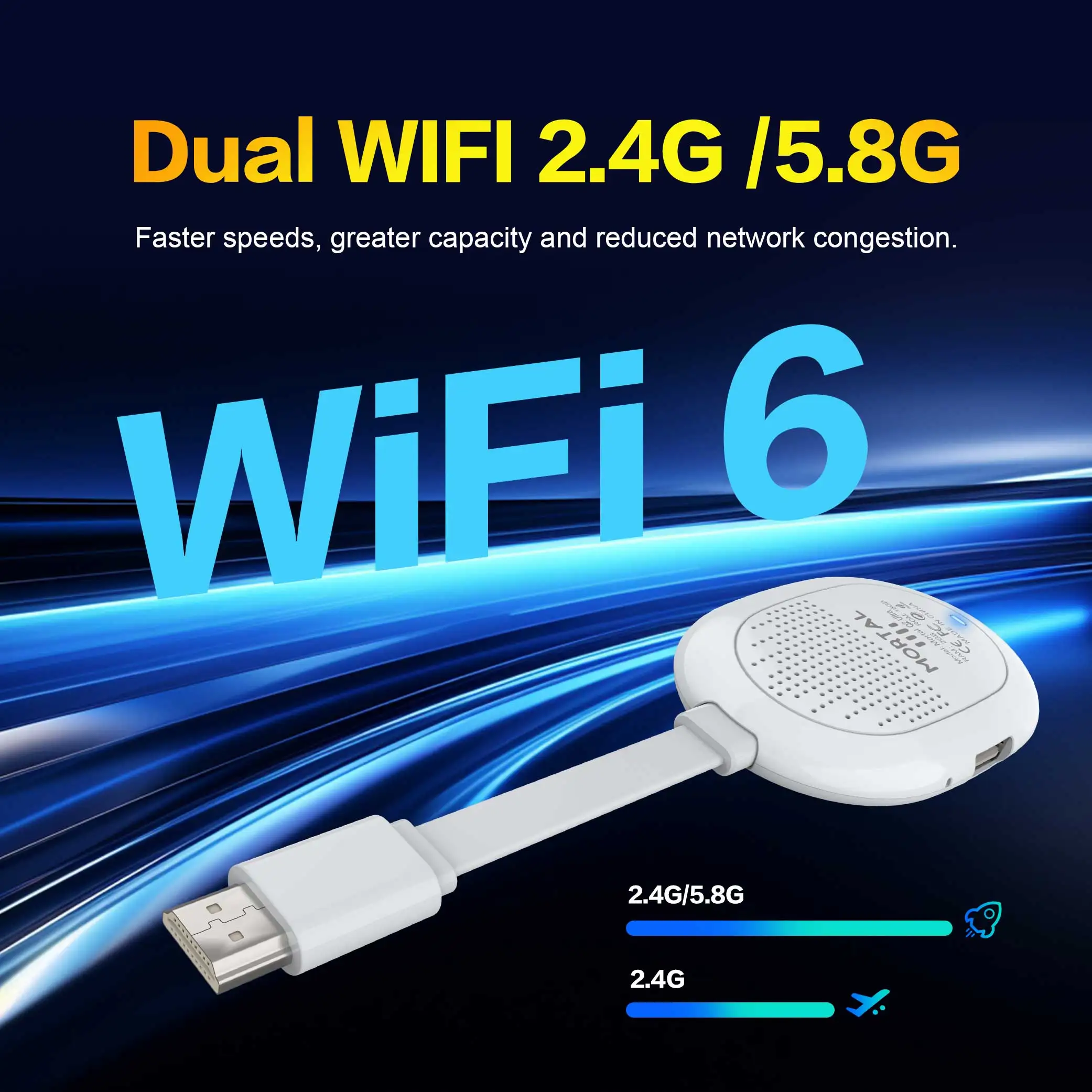
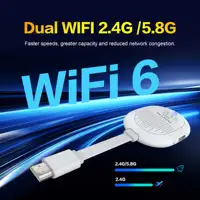
2.4G&5.8G Dual WiFi 6 & BT5.4 :
Stay connected with dual WiFi 6 and BT5.4 capabilities, providing reliable internet and Bluetooth connectivity for uninterrupted streaming and downloads.
4K @ 60 Hz Output
Experience superior video quality with support for 4K @ 60 Hz, delivering crisp, clear images for an immersive viewing experience.
Powerful Rockchip Chip:Allwinner H313
TV Box Android with the latest Rockchip quad-core Cortex-A53 CPU has a very fast start-up speed, which helps to quickly open applications
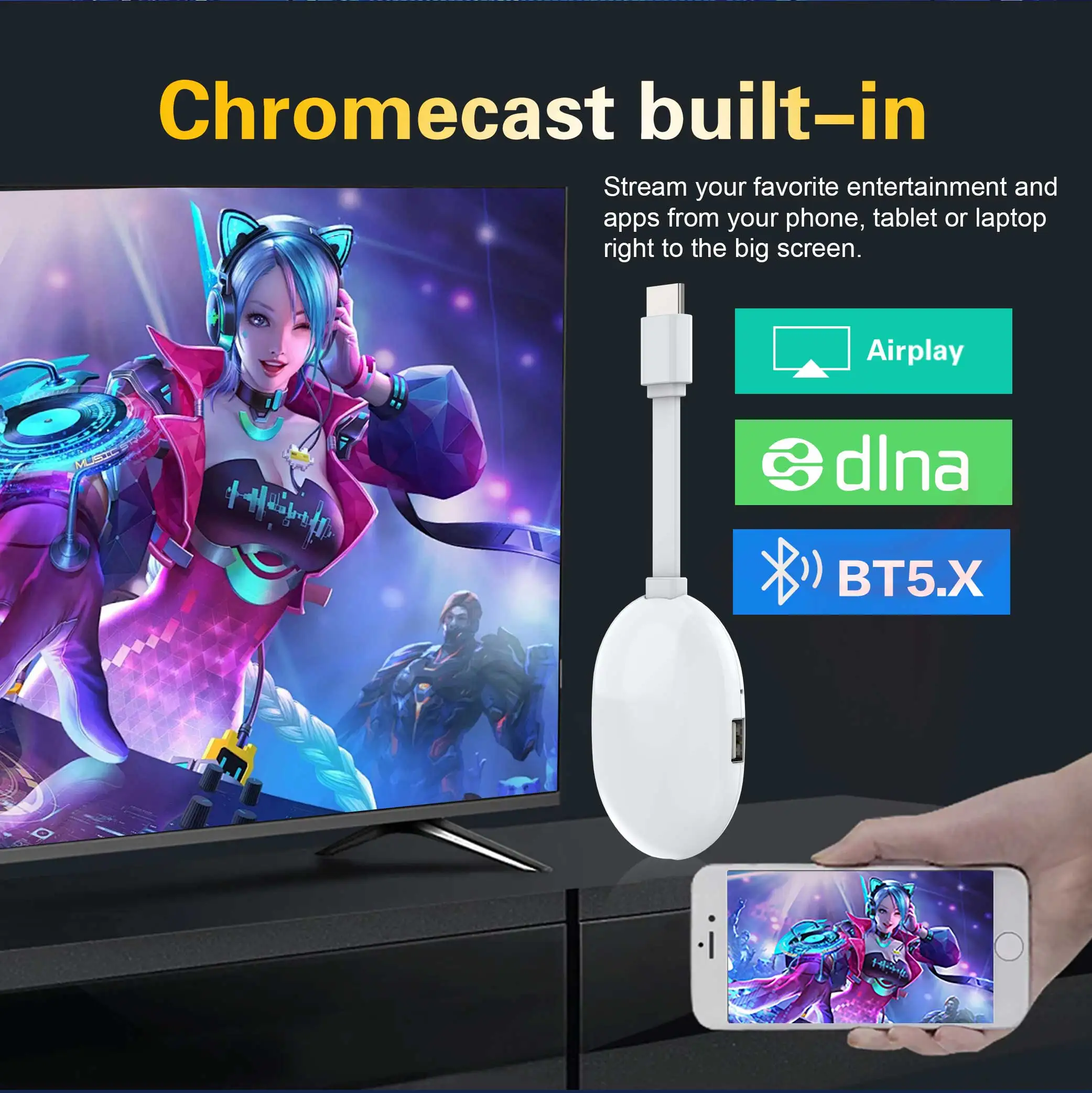
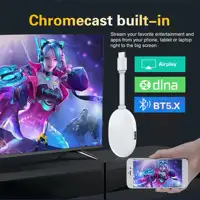
Chromecast built i
Small size, big power – turn your TV into a smart terminal in seconds.
Super heat dissipation
Hollow design: Give the TV stick a breathing “core” – heat dissipation black technology reshapes the enjoyable experience
Super heat dissipation
Hollow design: Give the TV stick a breathing “core” – heat dissipation black technology reshapes the enjoyable experience
Usage precautions:
Usage precautions:
1.How to use Netflix(1) Please connect the machine to WiFi, open the application, find the black Netflix software, and click to open.
(2) After clicking to open Netflix, click the mouse switch button on the remote control on the login interface to switch the remote control to mouse mode, and then click the login button of the software.
(3) Click the mouse button again to switch the remote control to remote control mode, enter the account and password to log in.
(4) Click the mouse mode button on the remote control again to switch the remote control mode to mouse mode. Use the mouse mode of the remote control to click the video to play.
2. Disney and other software cannot solve the problem. Disney software may not be compatible and cannot be used for a long time. If you need to use Disney software, please choose your purchase carefully to avoid unnecessary disputes. Based on the actual product!
3.If there is no signal when starting up, it is because the user has used an HDMl cable and power cable that don’t match the product. Please be sure to use the accessories provided by us and do not replace the cables at will .lf there is no signal when the machine is turned on, it may be that the user’s TV has multiple HDMl interfaces. The user can use the TV remote control to switch to the correct signal source, and the TV will display the picture normally.
4. Please place the remote control near the box. pressthe key and [mute] key gently at the same time, The red light on theremote control will enter a high-frequency flashing state. Wait for a fewseconds and the pairing wil be competed!







Reviews
Clear filtersThere are no reviews yet.