
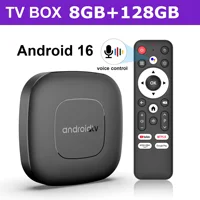

2025 New Smart Home Theater TV Box T1 Android 16 RK3518 Google Assistant Netflix Streaming 8G128G BT5.4+2.3 Media Player
📺What can this box do?
Watch movies, TV dramas, popular programs,children’s educational programs, and play games. Committed to building a smart living room, life is therefore beautiful.
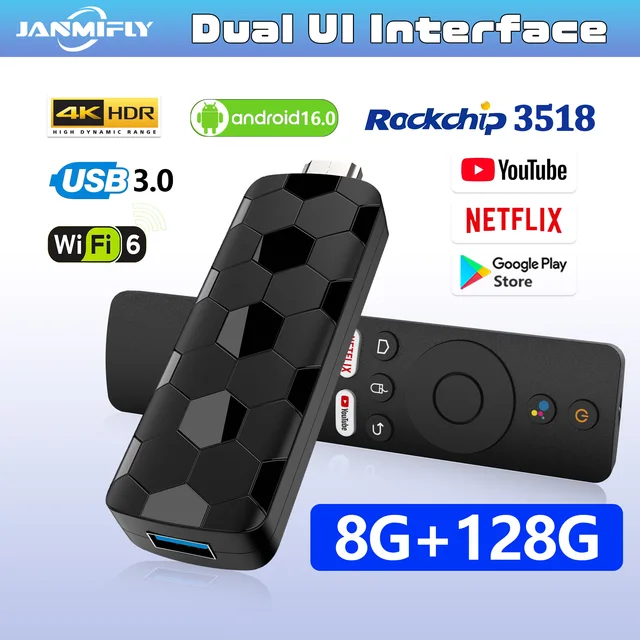
RK3518 chipset, a performance powerhouse.
The all-new RK3518 quad-core processor delivers a 50% performance boost, enabling smoother multitasking and faster app loading.
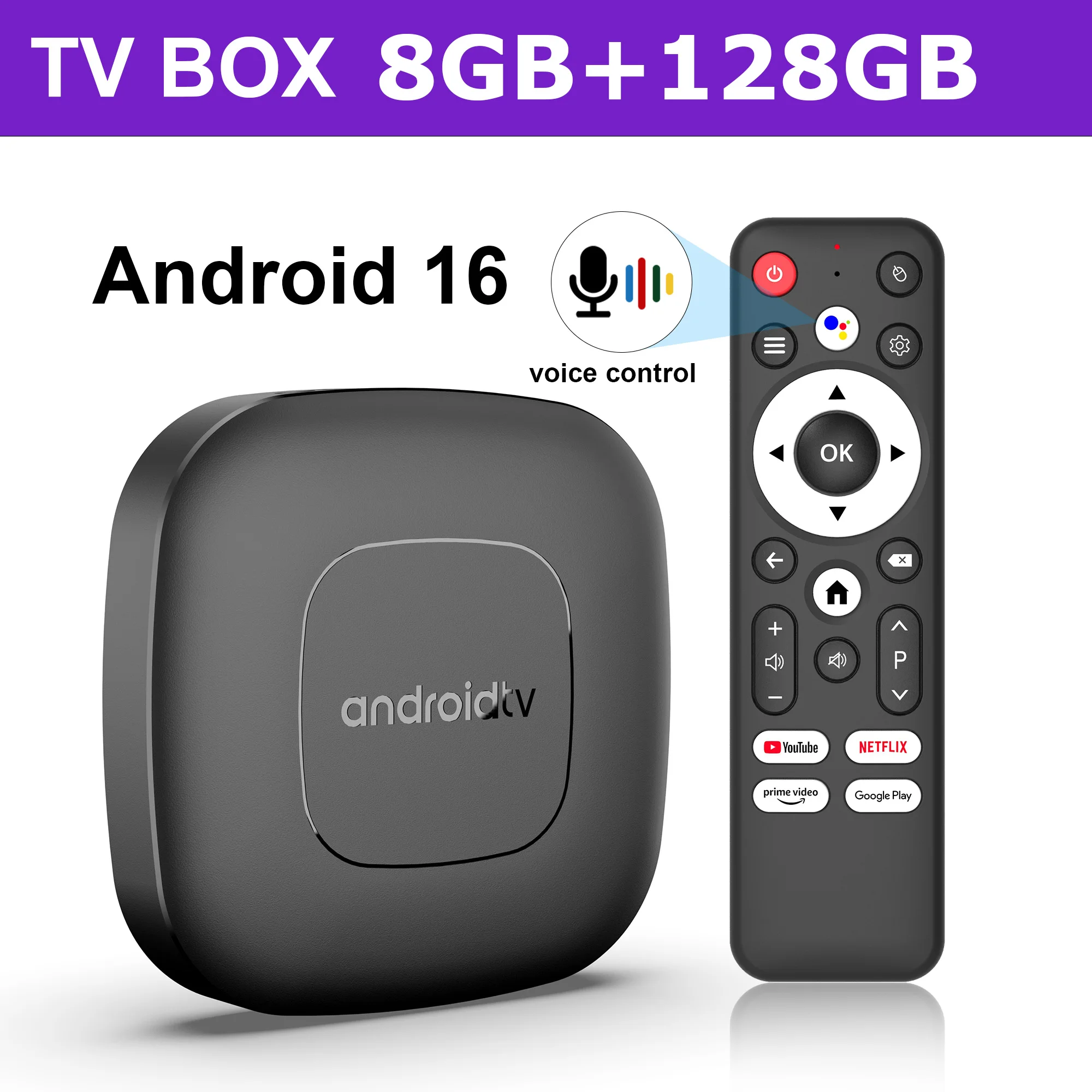
📺Android 16
Why should we choose Android 16 ?
1.Android 16.0 has comprehensively optimized the system, reducing startup latency and shortening the cold start time of the launcher, thereby improving the operational efficiency of the set-top box.
2.The Android 16.0system has also optimized storage space management, reducing the usage of storage space and enabling set-top boxes to store more applications and data.
3.The Android 16.0 system has added color correction mode, enhanced text options, and better navigation options, improving accessibility and enabling visually impaired individuals to better use set-top boxes.
These advantages make Android 16.0 set-top boxes an important choice for home entertainment.
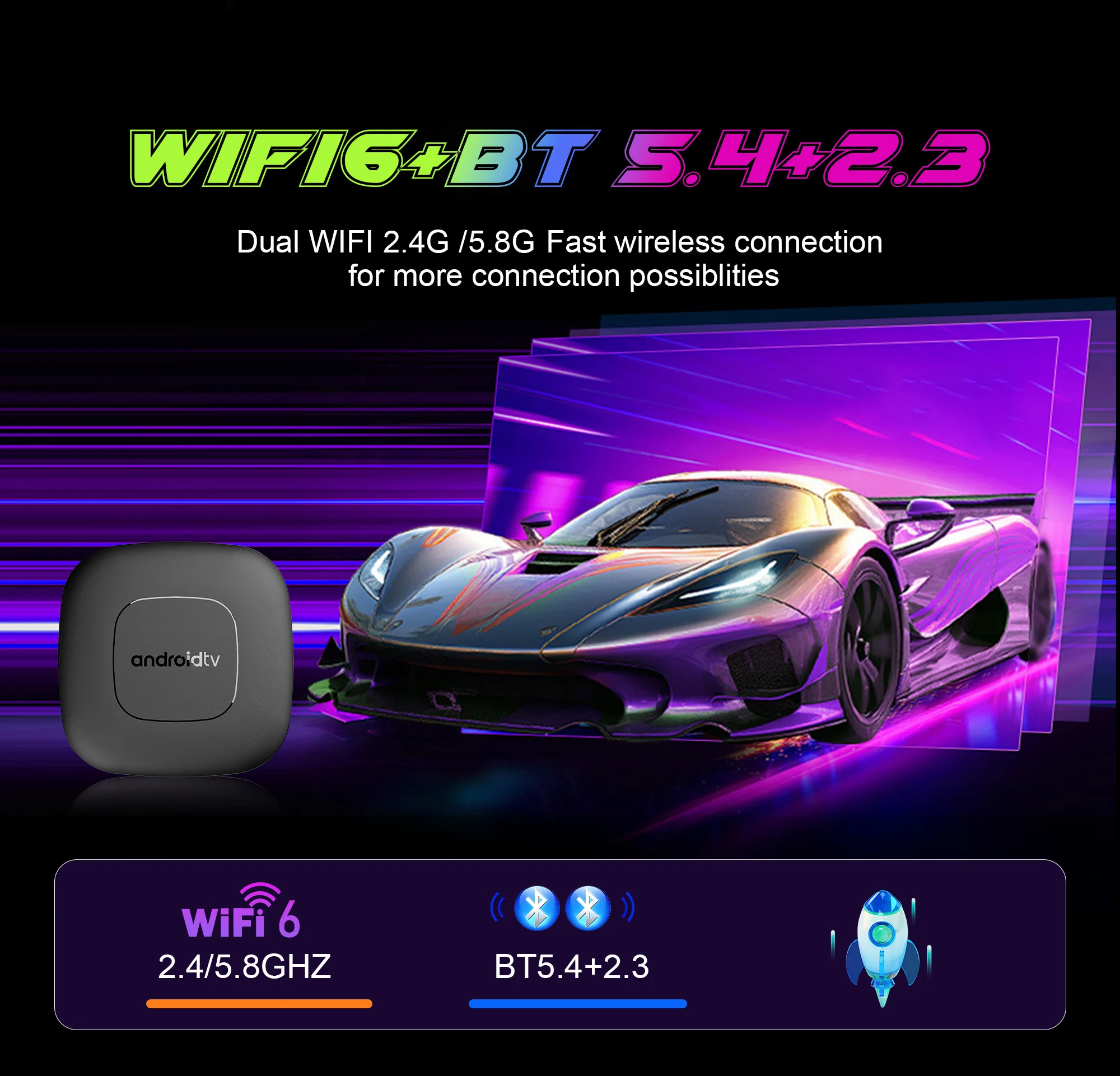
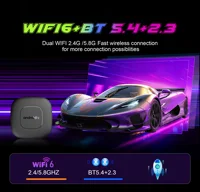
📺WiFi 6 & BT5.4+2.3
Ensure stronger and more stable WiFi signal with faster transmission speed.
Never worry about disconnect from WIFI.
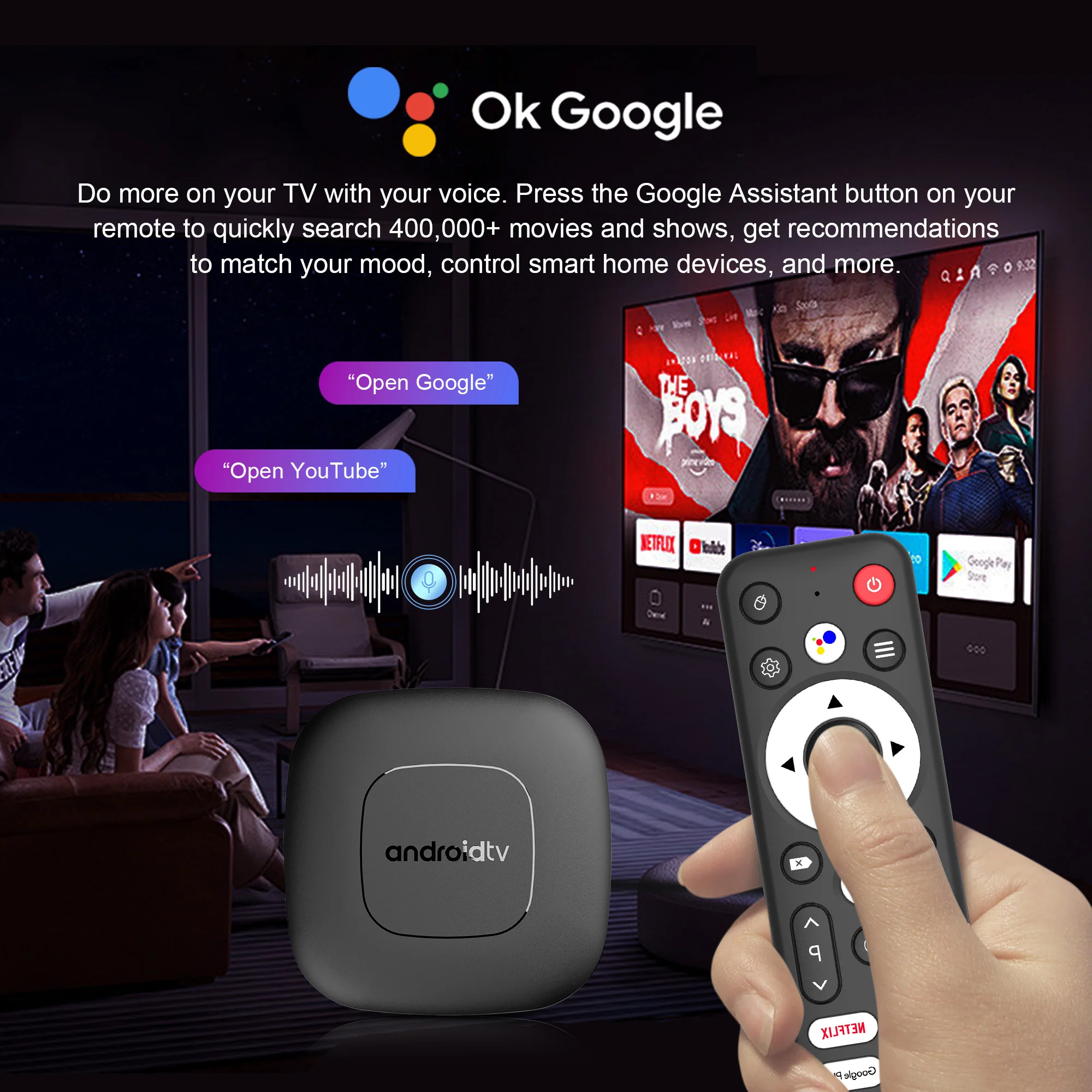
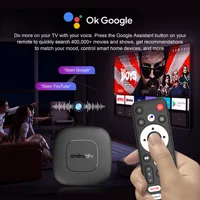
📺 Smart voice control
1.Click the voice button to display the pairing prompt interface.
2. Press and hold the button according to the prompt interface until the TV screen. automatically exits the pairing prompt interface before releasing the button. At this time, the Google Assistant is paired successfully.
3. Click the voice button. At this time, a voice bar prompt will appear on the screen below the TV.Then long press the voice button and say what you want to say to the remote control. You can release your hand until the TV displays the command you want to say. After releasing your hand the Google Assistant will execute your command.
📺Support 8K Video Decoding
Incredibly clear and smooth playback of videos and images.
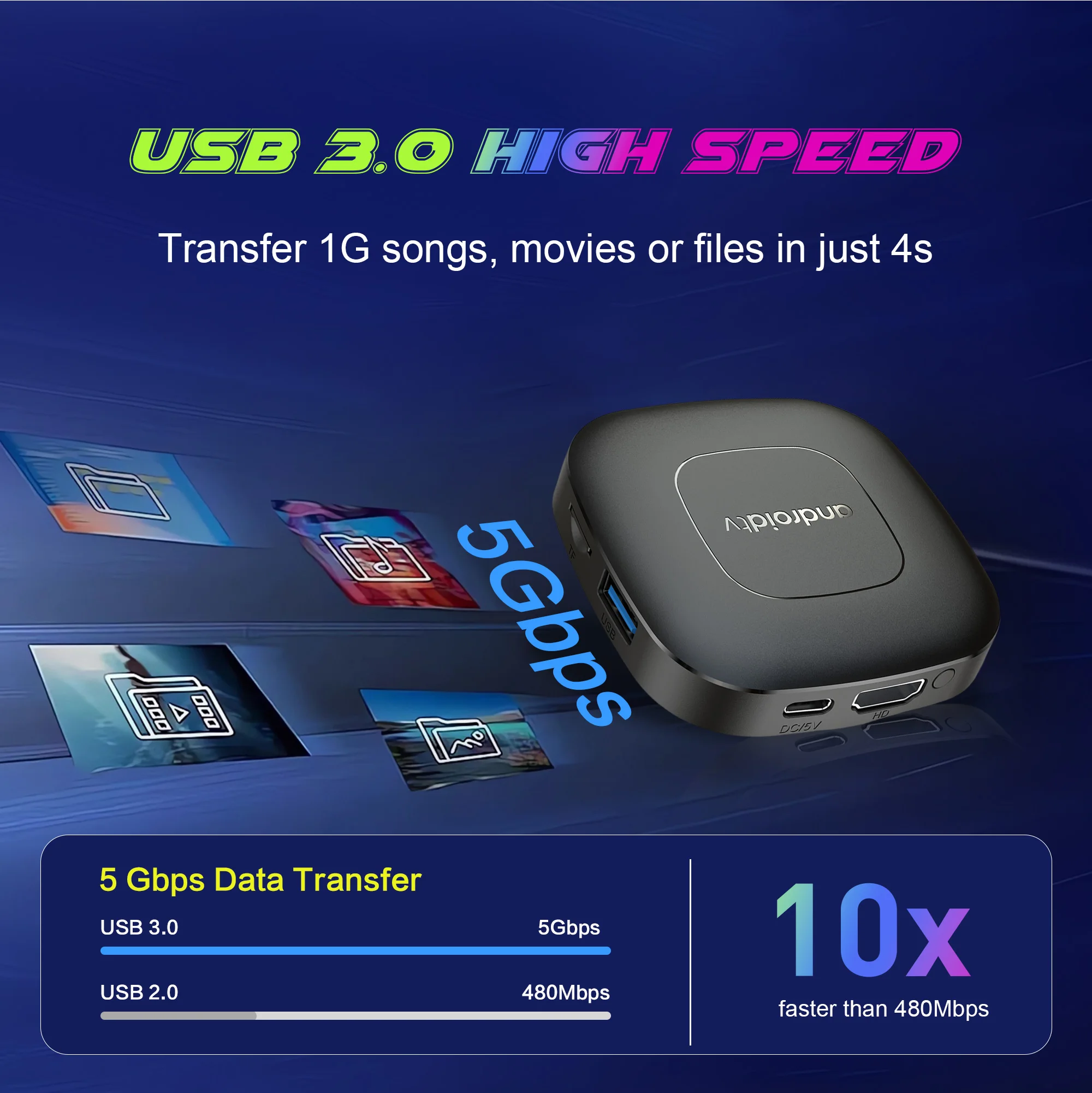
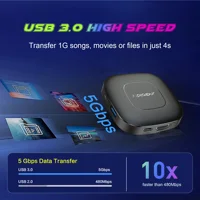
USB 3.0 lighting-fast transfer—instantly share large files without waiting.
Equipped with USB 3.0, offering transfer speeds 10 times faster than USB 2.0, enabling effortless backup and playback of large 4K video files.
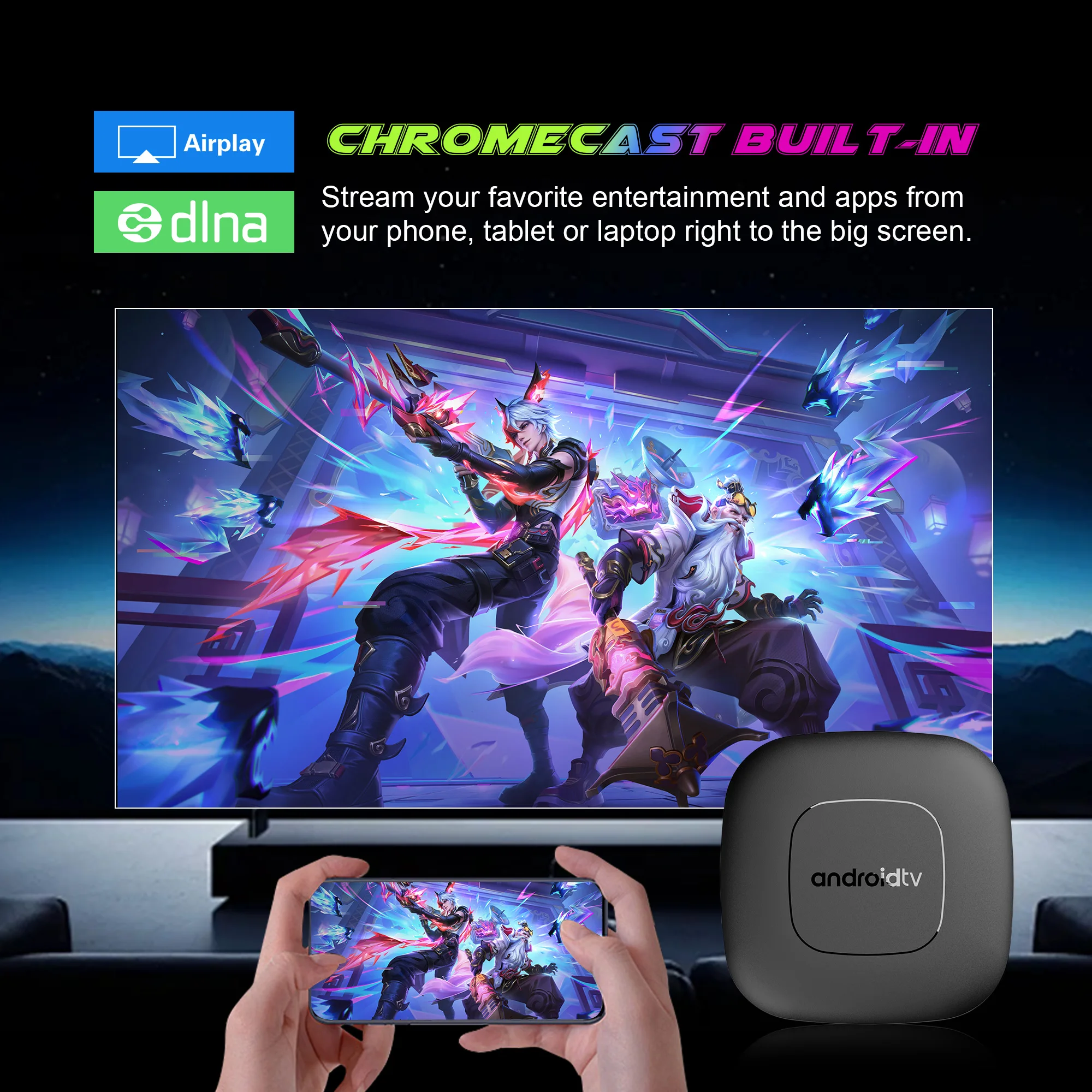
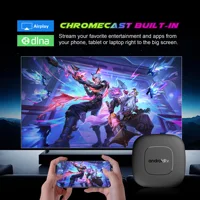
📺Wonderful Multi-Screen
Support cell phones, tablets and other devices to play on the big TV screen.
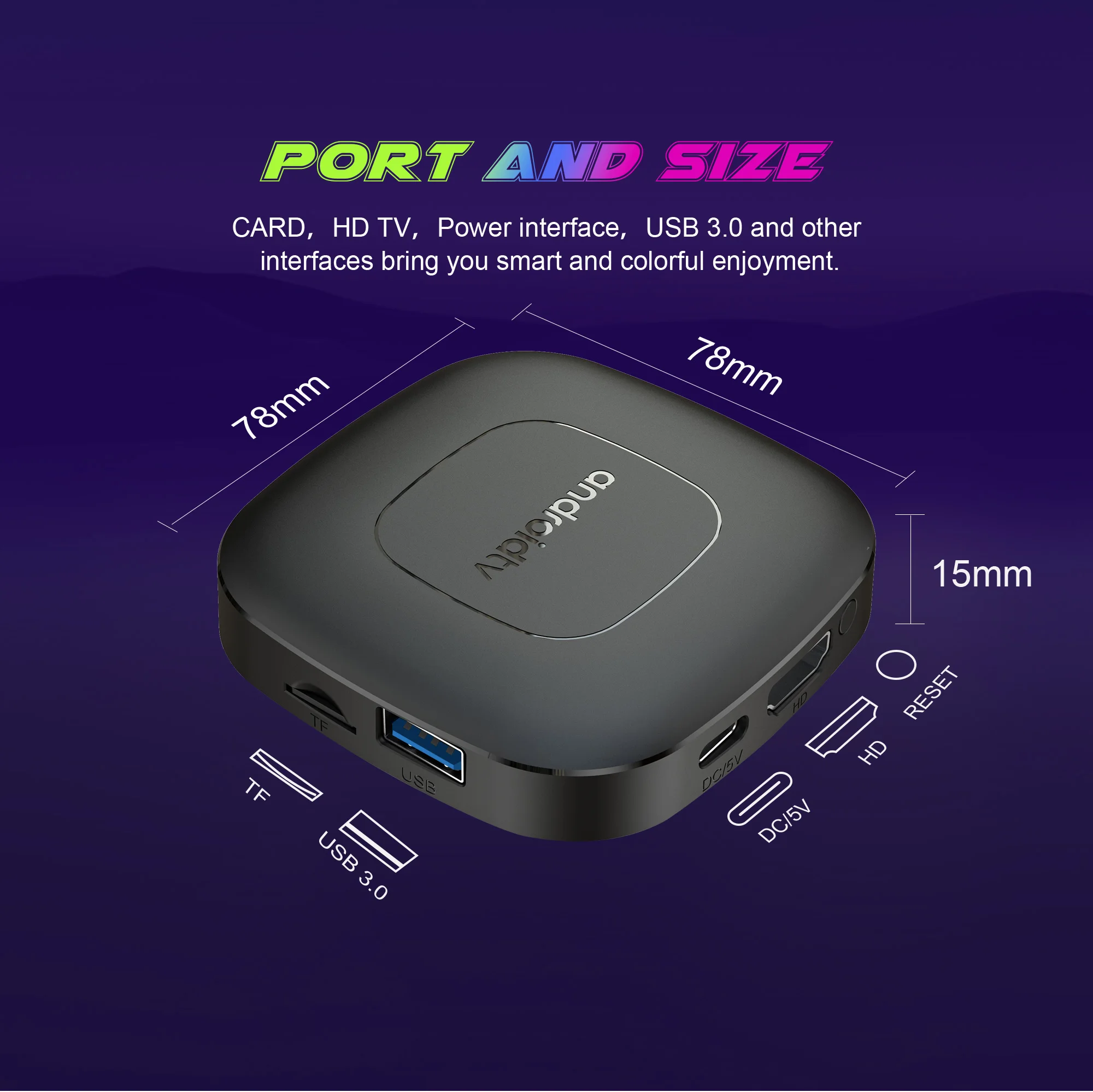
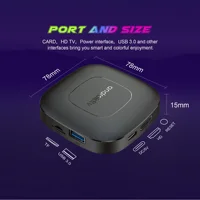
📺Interface & Dimension
Various interfaces such as HD, LAN, USB, etc. To meet your different needs at the same time.
📺Android TV Box comes with all accessories:
Android TV box , power adapter, Remote control, HDMI cable, User manual.
2GB+16GB+WIFI6+8K
8GB+128GB+WIFI6+8K
📺TV BOX Connection Settings
📺Kind tips
How to use netflix?
1. After connecting to WiFi, open the APP, find the black Netflix software, and click to open
2. After clicking to open Netflix, the login interface will appear. Click the mouse switch button on the remote control to switch the remote control to mouse mode, and click the login button of the software
3. Click the mouse button again to switch the remote control to remote control mode, enter the account password to log in
4. Use the mouse mode of the remote control to click the video to be played
If you are experiencing slow WiFi speed
please check whether your router is WiFi 6 and if it is compatible with WiFi 5. Our box supports WiFi 5, and some WiFi 6 routers only operate in the ax mode on the 5GHz frequency, without supporting the compatible WiFi 5 AC mode. This may result in slower speeds.
Remote can’t navigate on some Apps
It is a common issue for most of android tv box that hard to navigate on some Apps with the remote, as these Apps are mainly provided for tablets and phones that have touch screen settings or mouse. You can connect a mouse or a wireless keyboard to control it.Or click the mouse button on the remote control to switch the remote control mode to the mouse mode.
If your TV box needs to be restarted after a period of using
it may be that some apps you installed are not compatible or some data is damaged. It is recommended that you “factory data recovery” in the settings.
Our product service purpose is:
To provide users with convenient and practical multimedia functions, so that everyone can easily watch online videos in the home environment, play simple games, network social, etc., enrich the user’s TV entertainment experience.
If you are satisfied with our products, please give us a five-star rating.







Reviews
Clear filtersThere are no reviews yet.